
Review the complete rap video before posting
Use a full-clip checklist for faces, gestures, speakers, framing, consent and the final saved file.
The short answer
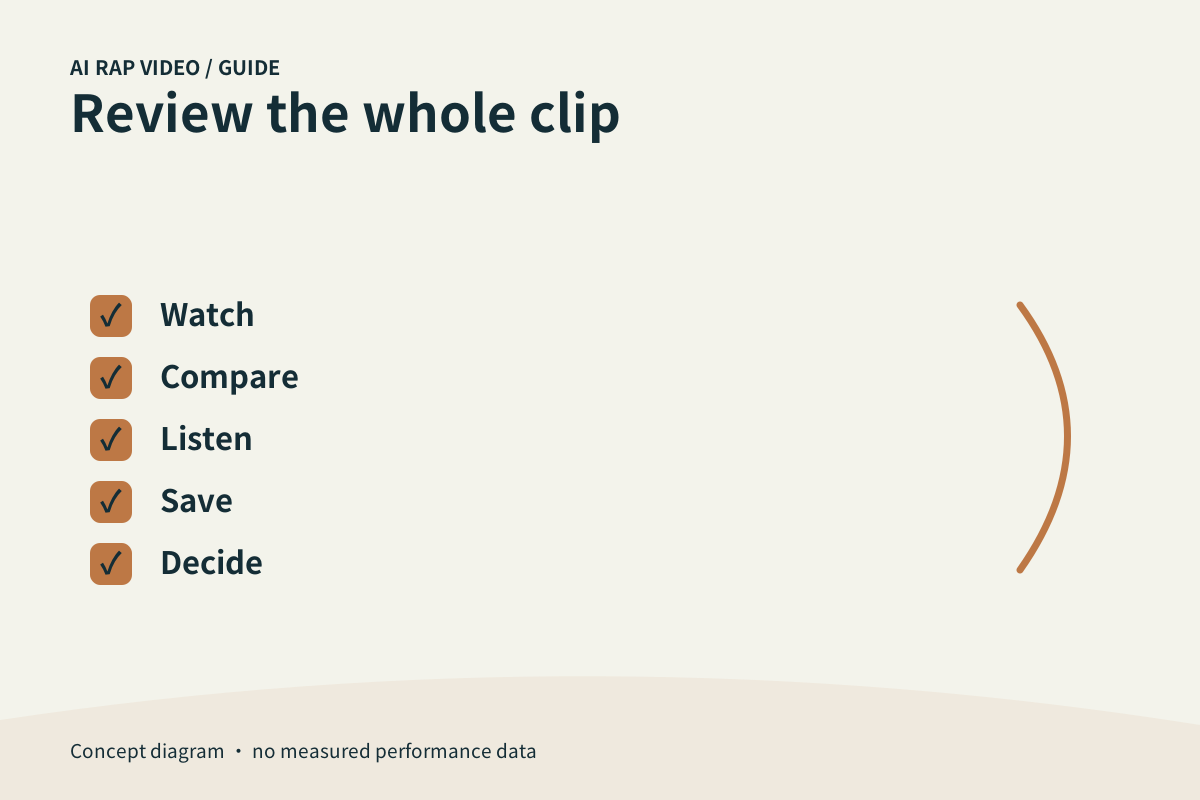
Approve the whole performance, not its cover. Watch at normal speed with sound, compare every participant with the source, then open the downloaded file. A completed task is a delivery state; your review decides whether the clip is suitable to share.
In this guide
At a glance
| Review point | What to check |
|---|---|
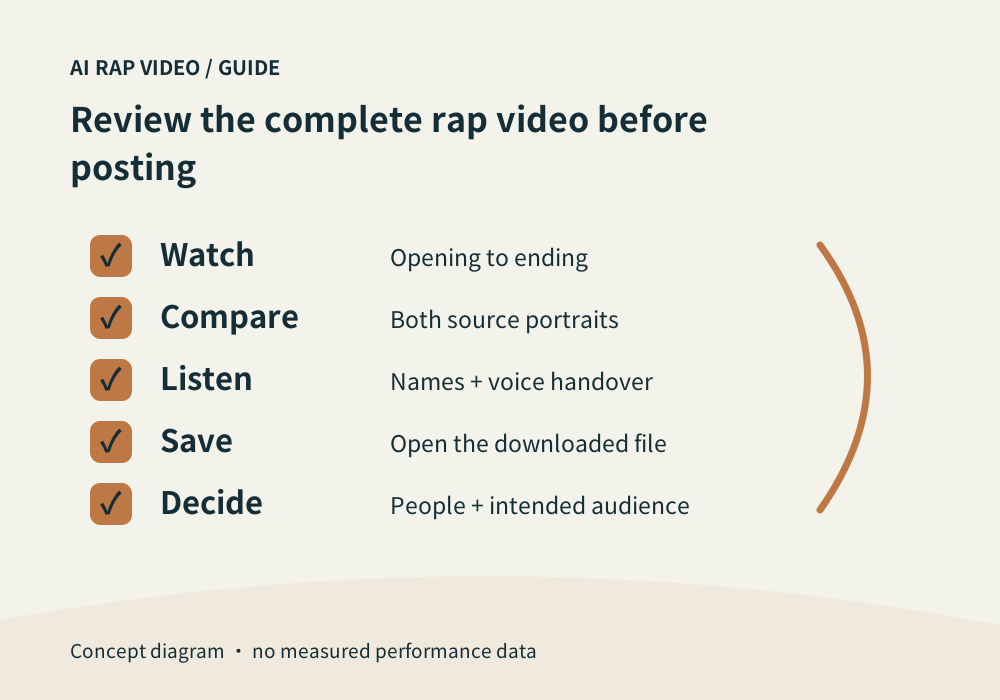
| First watch without interruption | Play from the opening to the ending with sound. |
| Check every visible participant | Compare each person with the correct source portrait. |
| Listen for meaning and continuity | Check names, understandable words and the tone of the joke or greeting. |
| Check frame and saved delivery | View the whole frame and largest gestures. |
| Make a deliberate publishing decision | Ask whether everyone involved is comfortable with the result and its audience. |
First watch without interruption
Play from the opening to the ending with sound. Notice the story, who performs each passage and whether the final phrase finishes naturally. Do this before pausing for individual details.
A clip can have an attractive beginning and a weak ending. A success badge or playable thumbnail does not judge performance quality, appropriateness or whether the intended people stay recognizable.
Check every visible participant
Compare each person with the correct source portrait. Look at face outline, hair and expression, especially after turns or when one performer passes behind another.
Then follow clothing and hands across the sequence. A change that is easy to miss in a fast glance can become obvious when replaying the same transition at normal speed.
Listen for meaning and continuity
Check names, understandable words and the tone of the joke or greeting. Listen for unplanned speaker changes, a background voice taking over or abrupt shifts in ambience.
In a duo, compare the intended handover with who is visible. Generated audio is not proof that the person in the source photograph actually said or recorded the words.
Check frame and saved delivery
View the whole frame and largest gestures. Confirm that a display crop has not hidden one performer. Download the selected work and play the actual file outside the page.
If you edit in another app, review that export again. Cropping, captions or sound replacement can create new issues even when the original download was acceptable.
Make a deliberate publishing decision
Ask whether everyone involved is comfortable with the result and its audience. Keep a private joke private when wider sharing could change its meaning. Describe the video honestly without implying a real recording.
For a fault, retain the work and mark the time range before contacting support. If the original task is unresolved, inspect it before retrying; another submission is a separate task with a new quote. Contact support
Questions about this task
No. It means output was delivered. Review its appearance, sound and suitability separately.