
Make a photo-led AI rap video
Prepare your portraits, choose a rap setup, check the credit quote and review the complete video before sharing.
The short answer
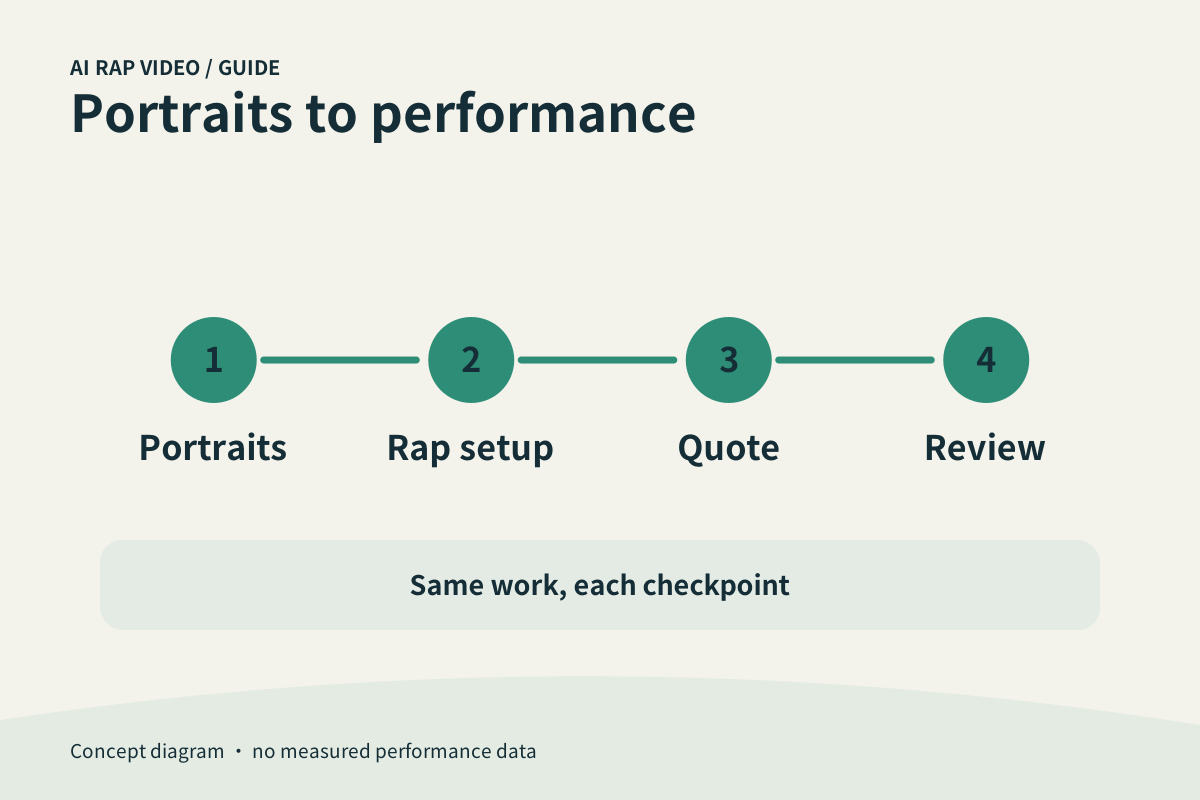
A useful rap video begins with recognizable portraits and a clear occasion. Prepare the photos required by the selected mode, keep the song idea focused, review the current quote, then follow the same work record through generation and full playback.
In this guide
At a glance
| Review point | What to check |
|---|---|
| Start with the people and the occasion | Choose people who have agreed to appear. |
| Use the controls that match your idea | Read the selected mode before uploading. |
| Read the quote attached to this draft | Check the selected model, duration, resolution and aspect ratio where those controls are available. |
| Follow one task through to playback | Submit once and keep the work record. |
| Save the version you actually reviewed | Download the selected work and open the saved file. |
Start with the people and the occasion
Choose people who have agreed to appear. Use either two individual portraits or the group-photo mode offered in the studio. In portrait mode, check the order of the two upload fields; in group mode, choose a photo in which both intended people are clear.
Decide what the clip is for: a birthday greeting, a friendship joke or a playful introduction. One concrete memory is easier to assess than a list of unrelated ideas. A photo supplies appearance; it is not a recording of someone’s voice.
Use the controls that match your idea
Read the selected mode before uploading. Required photos, topic fields and available output settings belong to that mode. Fill the visible fields and check which values are fixed presets rather than editable instructions.
Keep names short and check their spelling. Use a detail that both participants are comfortable hearing. Selecting a theme does not guarantee word-for-word lyrics or exact pronunciation; those need listening in the finished clip.
Read the quote attached to this draft
Check the selected model, duration, resolution and aspect ratio where those controls are available. Review the complete server credit quote after the final change, then compare it with the balance of the signed-in account.
If credits are missing, review the current plans and channel availability. A package card is an offer, not a receipt. Return to the same draft after signing in or purchasing and check that your selected portraits and settings are still correct.
Follow one task through to playback
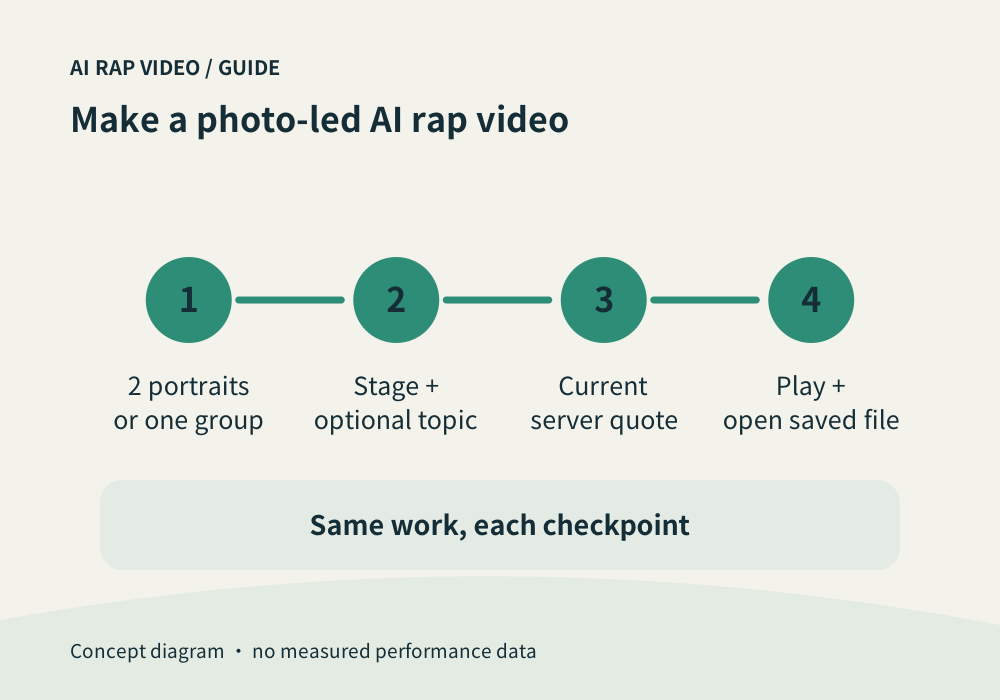
Submit once and keep the work record. Uploading a portrait, accepting a quote and completing a video are separate steps. If a request times out, check your work history before starting another generation.
When output becomes available, select your own work and play it from the opening to the ending at its normal speed. Compare both faces, the apparent speakers, gestures and framing; a good thumbnail cannot answer these questions.
Save the version you actually reviewed
Download the selected work and open the saved file. Confirm that the beginning, ending and sound match the clip you approved. Keep an unedited original before making a social-media crop or adding captions elsewhere.
For a fault, note its time range and the selected settings, then use Contact. Support can investigate the same work record; another generation has its own quote and does not guarantee a corrected result. Contact support
Questions about this task
Use the inputs requested in the selected mode. A portrait does not capture your voice, and this workflow does not promise voice cloning.