
Choose portraits for an AI rap video
Check face clarity, framing, light and photo order before preparing a rap video from portraits.
The short answer
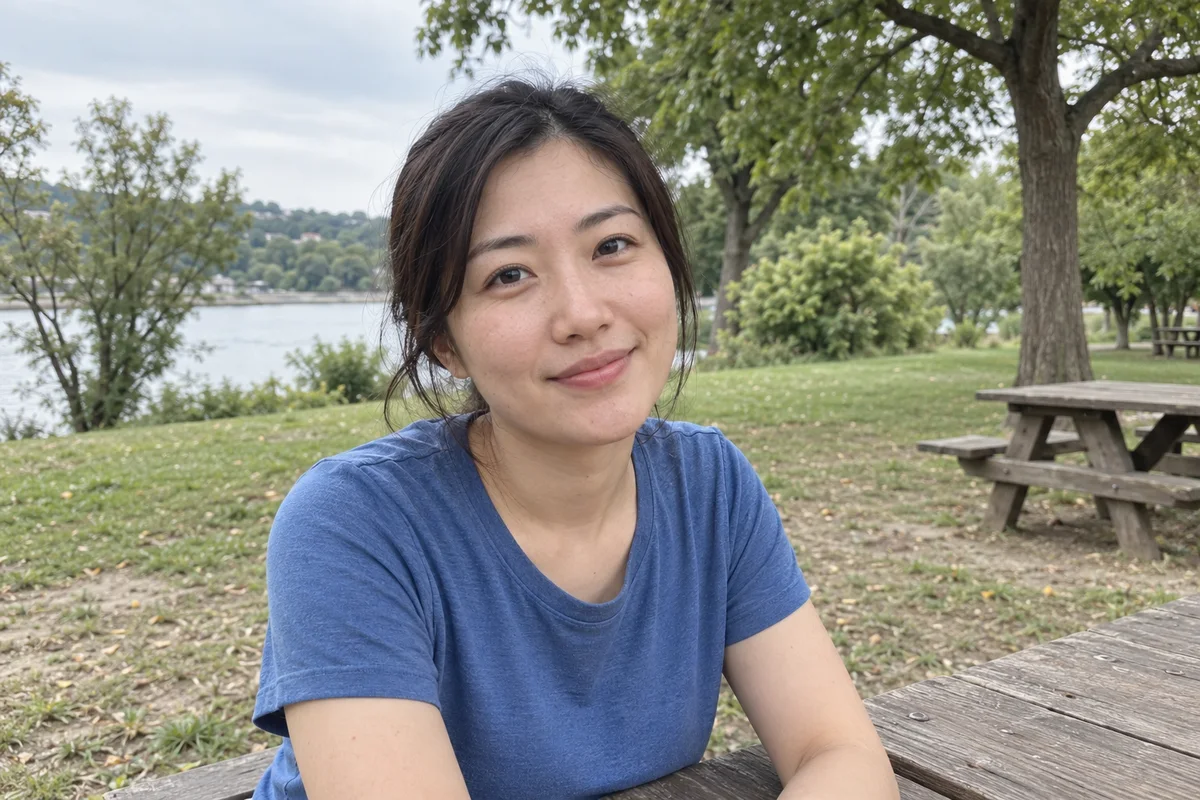
Choose a portrait you can recognize without guessing. Keep the face reasonably large, avoid heavy obstruction and use the correct photo field for each participant. Better reference material makes review easier; it does not guarantee an exact likeness.
In this guide
At a glance
| Review point | What to check |
|---|---|
| Choose a clear source for each mode | In two-portrait mode, look for one clearly readable identity in each file. |
| Prefer useful detail over dramatic filters | Soft everyday light is useful when it leaves the face readable. |
| Leave space around the head and shoulders | Avoid a crop that already cuts through the chin or top of the head. |
| Keep consent and relevance in the photo choice | Ask the person whether they are comfortable with the intended joke, topic and publication. |
| Compare the result with your actual source | Keep the source image available during review. |
Choose a clear source for each mode
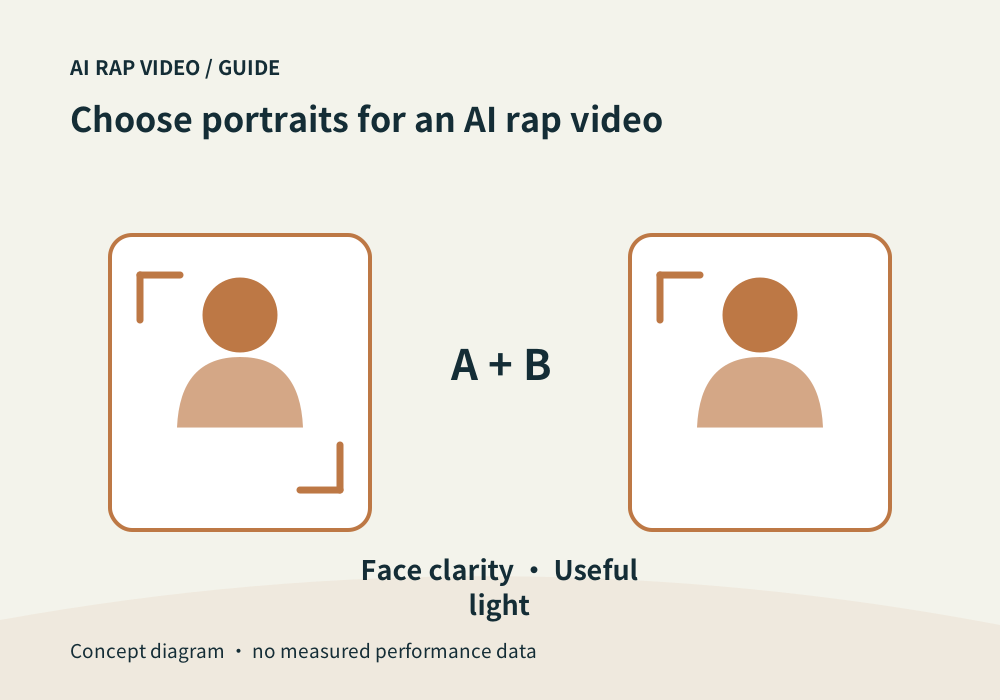
In two-portrait mode, look for one clearly readable identity in each file. In group-photo mode, check that both intended people are visible and identifiable. Another face or heavy overlap can make the intended pair ambiguous.
Treat photo order as part of the portrait-mode draft. Check the names or role labels beside each upload. Do not assume the generator will infer who is who from clothing or relationship. Use a real group photo when that mode is selected, rather than an unrequested collage.
Prefer useful detail over dramatic filters
Soft everyday light is useful when it leaves the face readable. Dark sunglasses, a hand over the mouth, extreme side lighting and strong beauty filters can hide information you later want preserved.
A sharp source image does not have to be a studio portrait. A simple phone photo can be more informative than a heavily edited image. Inspect the actual file rather than judging only its tiny preview.
Leave space around the head and shoulders
Avoid a crop that already cuts through the chin or top of the head. Leave a little room around hair and shoulders so you can judge the portrait without missing edges. This is a preparation guideline, not a guarantee of final camera framing.
Match what the selected mode asks for. If it requests a portrait, uploading a distant full-body figure may reduce useful face detail. Do not invent a required pose, gender or outfit that the interface does not specify.
Keep consent and relevance in the photo choice
Ask the person whether they are comfortable with the intended joke, topic and publication. Permission to keep a photograph is not automatically permission to make and post a performance from it.
Check the background for addresses, badges, documents and bystanders. Choose another image or make a suitable local crop before uploading when those details are irrelevant to the video.
Compare the result with your actual source
Keep the source image available during review. Compare recognizable features across the opening, turns and ending rather than asking whether one frame looks impressive. In a duo, inspect both participants separately.
If you change the source and generate again, review the new quote first. Clearer input can reduce ambiguity, but it does not promise perfect identity, hands, costume or voice continuity. Contact support
Questions about this task
Use the requirements shown by the selected mode. Matching backgrounds alone do not establish consistent identity or lighting in a generated scene.