
Understand a rap video quote and credit record
Separate the current quote, account balance, payment confirmation and completed video before submitting.
The short answer
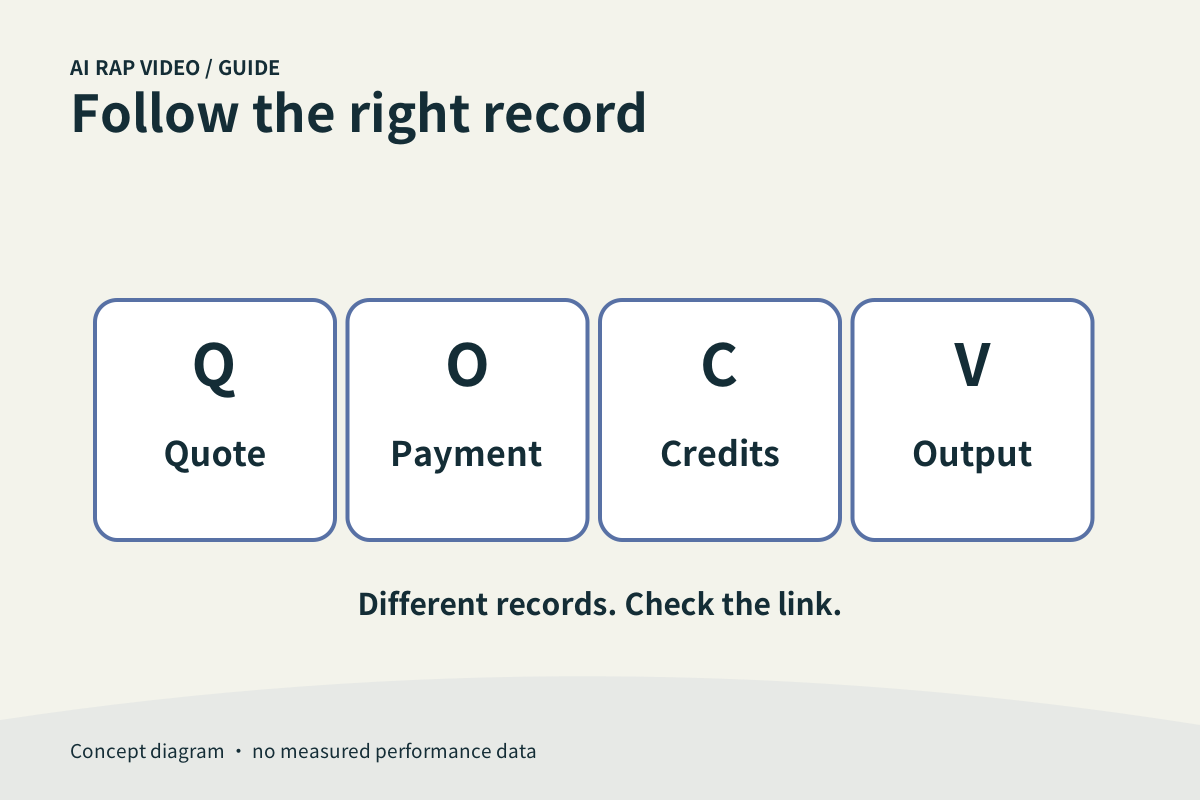
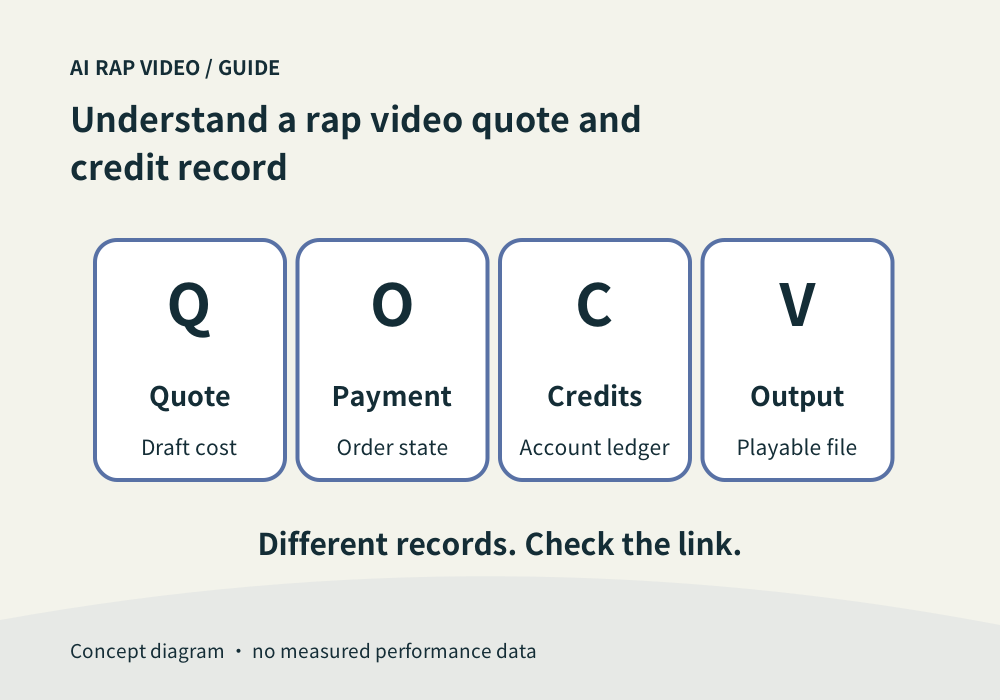
Read the quote for your current draft, then distinguish it from your account balance, order and task. A displayed plan is not a completed payment, and a credit deduction is not proof that a usable video has been delivered.
In this guide
At a glance
| Review point | What to check |
|---|---|
| Read a quote as a draft-specific amount | The selected effect, model and output options determine the current quote. |
| Separate credits from cash prices | A plan or pack describes the commercial offer. |
| Follow payment to the account record | Opening checkout does not establish payment completion. |
| Follow the task and credit entry together | Submitting a generation creates a task flow that should be checked alongside its related credit records. |
| Recover uncertain operations before repeating | After a timeout, inspect the same task, order or ledger entry, depending on where the interruption occurred. |
Read a quote as a draft-specific amount
The selected effect, model and output options determine the current quote. Check it after the final change to inputs or settings. A remembered number from a screenshot can refer to a different configuration. Browsing the site and preparing a photo draft are free. Generating a video uses the credits shown in the current quote; preparing a draft or creating an account does not establish a free generated-video entitlement. Check the current account balance and purchase availability before submitting.
Use the full quote shown by the service. Do not divide a package into an assumed fixed number of videos unless the present settings and required credits support that calculation.
Separate credits from cash prices
A plan or pack describes the commercial offer. Credits are the entitlement available to the account. A video quote describes the credits required for one configured task; these are different units and records.
Compare monthly, yearly or one-time offers using the current terms and displayed eligibility. Do not assume that every offer has the same renewal, expiry or cancellation conditions.
Follow payment to the account record
Opening checkout does not establish payment completion. If an order is pending or unknown, inspect that existing order rather than starting another purchase to make the page update.
After confirmation, check the signed-in account’s credit history and balance. Keep the order identifier when asking about a missing entitlement, and avoid putting payment secrets in a support message.
Follow the task and credit entry together
Submitting a generation creates a task flow that should be checked alongside its related credit records. A deduction alone does not confirm a finished clip; a playable output is a separate check.
If a task fails, review its actual state and any associated release or return. Do not assume a visible error already completed reconciliation, and do not equate returned credits with a cash refund.
Recover uncertain operations before repeating
After a timeout, inspect the same task, order or ledger entry, depending on where the interruption occurred. Preserve identifiers and the selected quote. Repeating an unresolved action can create a second operation.
For a new generation, review a new quote. Support investigation does not promise free retries, and a plan appearing in the pricing table does not prove every payment channel is currently ready. Contact support
Questions about this task
No. Use the actual channel and order state; the offer card alone is not payment evidence.