
Read a rap video scene before choosing it
Separate stage, lighting, camera framing and performance style when choosing a rap video scene.
The short answer
A scene is more than a background color. Look at how it frames the performers, where the camera can move and how much room gestures need. Choose a visible scene option for the occasion, then review the actual result instead of assuming a preview is a guarantee.
In this guide
At a glance
| Review point | What to check |
|---|---|
| Identify what a scene preview shows | A preview can communicate a location, light or composition. |
| Match the stage to the message | The studio offers orange, lobby, studio and street stages. |
| Look at foreground, subject and background | Separate the image into three layers. |
| Review light without judging by color alone | Strong colored light can be part of a scene, but it can also make details harder to compare with a source portrait. |
| Choose the scene you can actually assess | Before submitting, reread the current setup and quote. |
Identify what a scene preview shows
A preview can communicate a location, light or composition. It does not prove that your portraits will produce the same people, camera moves or precise image details. Read its accompanying text and source before using it as evidence.
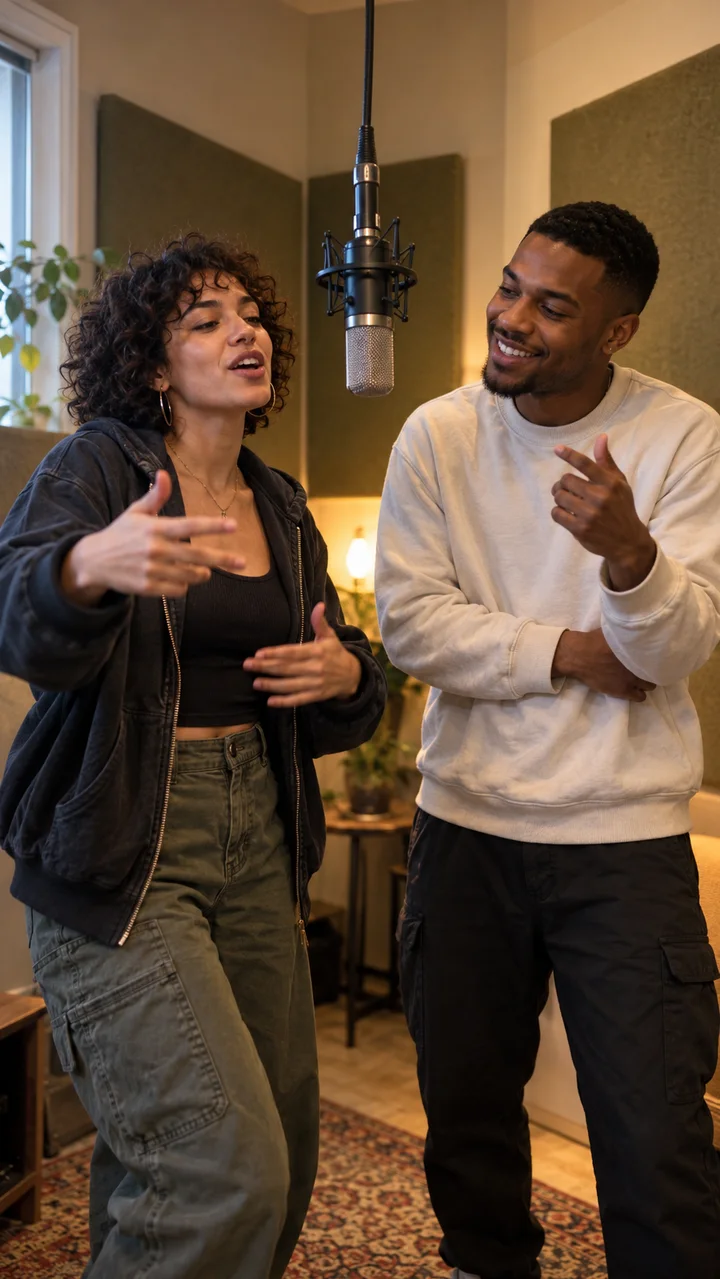
For a duo, notice whether the framing allows both participants to remain identifiable. A close portrait, a shared stage and alternating close-ups create different review tasks even if the lighting looks similar.
Match the stage to the message
The studio offers orange, lobby, studio and street stages. A friendly greeting benefits from a readable expression and clear delivery; a playful challenge may suit a more energetic atmosphere. Use the visible stage preview to compare them.
Stage and topic are separate choices. The topic is optional; do not add private details merely to fill a field. A guide mentioning a camera idea does not add a custom director field, another stage or a selectable artist to the generator.
Look at foreground, subject and background
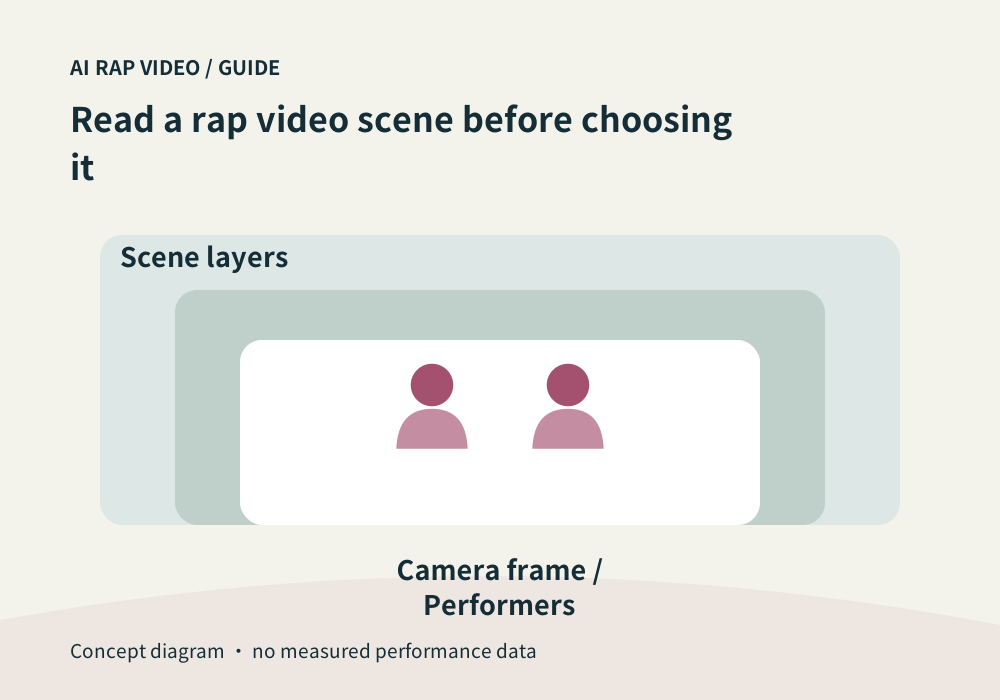
Separate the image into three layers. The performers carry identity and expression; props can support the performance; the background should not make them hard to read.
When hands, microphones or other objects pass near faces, inspect those moments carefully. A coherent scene still needs stable subjects, connected gestures and enough visible space around the performance.
Review light without judging by color alone
Strong colored light can be part of a scene, but it can also make details harder to compare with a source portrait. Check facial outlines and expressions across the clip rather than using one lighting color as a quality score.
Background changes need context. A deliberate shot change differs from an unexplained room transformation within a continuous shot. Watch the movement before deciding whether the transition makes sense.
Choose the scene you can actually assess
Before submitting, reread the current setup and quote. After generation, compare the visible result with that setup: two readable performers when required, useful framing and a coherent performance space.
If the scene differs materially, record what you expected from the selected option and what appeared, with a time range. Do not copy a preview image into your work history or present it as your own generated result. Contact support
Questions about this task
No. It helps explain the option. Your own output must be generated and reviewed separately.