
Check both faces and outfit continuity
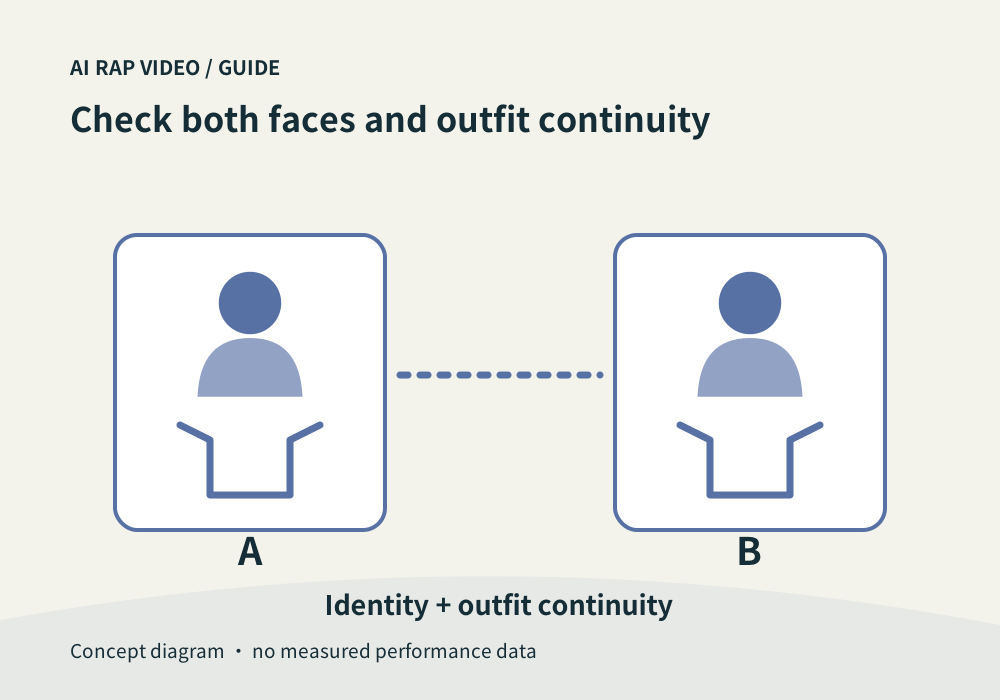
Compare the source portraits with both performers and check clothing continuity throughout the finished rap video.
The short answer
Recognizability and continuity are different checks. First compare each performer with the correct source portrait. Then check whether the same face, hair and outfit remain coherent inside the video, including turns, handovers and the ending.
In this guide
At a glance
| Review point | What to check |
|---|---|
| Give each source portrait a clear role | Keep the original portraits side by side with the selected work. |
| Separate planned styling from identity drift | Read the scene or style description you selected. |
| Inspect moments where errors can hide | Watch the opening, turns, overlapping figures, expressive gestures and the final pose. |
| Check clothing as a sequence | Follow sleeves, collars, accessories and visible garment patterns from shot to shot. |
| Describe a mismatch precisely | Record who is affected, the time range and what changes, such as “second performer’s hair changes after the turn.” Include the selected work and output settings when contacting support. |
Give each source portrait a clear role
Keep the original portraits side by side with the selected work. Label them in the same order as the studio fields. In a duo, a convincing face on the wrong performer is still a mismatch.
Start with a few distinctive features: face outline, eye spacing, nose shape or a recognizable hairline. Avoid treating a matching shirt color as proof that the correct identity has been preserved.
Separate planned styling from identity drift
Read the scene or style description you selected. A generated performance may place the person in a new outfit or location; the source photo does not automatically lock every garment and accessory.
Judge the result against the actual selected direction. Changing style between the source and the scene differs from a shirt, face or hairstyle unexpectedly changing halfway through the same clip.
Inspect moments where errors can hide
Watch the opening, turns, overlapping figures, expressive gestures and the final pose. Look for a face being replaced after an occlusion, a hairline changing between angles or details transferring from one participant to the other.
Normal playback gives you the overall impression. Pause at a suspected transition only after watching through. A single paused frame can reveal a fault, but one attractive frame cannot establish continuity across the whole video.
Check clothing as a sequence
Follow sleeves, collars, accessories and visible garment patterns from shot to shot. An arm crossing the body should not quietly change the sleeve into another outfit. Check each participant independently when they share a frame.
Do not demand invisible detail from a cropped or obstructed source. If an exact logo, uniform or garment is essential, a generated performance may be unsuitable without further review and editing.
Describe a mismatch precisely
Record who is affected, the time range and what changes, such as “second performer’s hair changes after the turn.” Include the selected work and output settings when contacting support.
Another generation is a new decision with a fresh quote. A higher resolution alone does not guarantee repaired identity or clothing. Keep the original work while the issue is being investigated. Contact support
Questions about this task
No. Compare the result with the selected scene direction, then check continuity inside that generated clip.