
Review rap gestures at normal speed
Check hands, body movement, performer handovers and camera motion across the full rap video.
The short answer
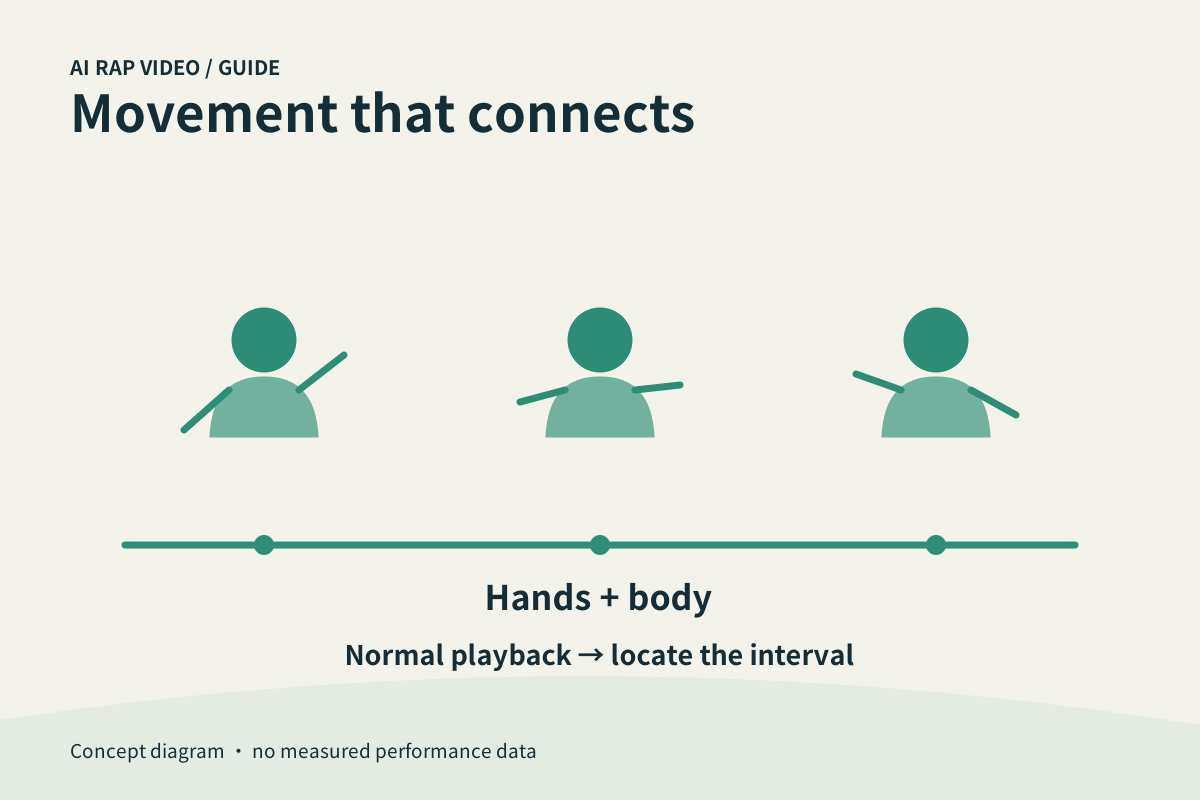
Watch the whole video at its normal playback speed before isolating a fault. Natural performance depends on connected gestures, a stable body and a camera that supports the action. In a duo, also inspect the transition from one performer to the other.
In this guide
At a glance
| Review point | What to check |
|---|---|
| Start with the complete performance | Play from the opening to the ending without scrubbing. |
| Follow hands back to the body | During expressive gestures, check that hands remain connected to the correct arms and that the arms remain attached coherently to the shoulders. |
| Check rhythm without forcing fixed timing | Listen and watch together. |
| Separate performer motion from camera motion | A close-up or camera movement can make the whole image shift. |
| Report a specific movement fault | Record the affected person, action and time range, for example 00:07–00:10. |
Start with the complete performance
Play from the opening to the ending without scrubbing. Notice whether the delivery feels continuous or whether a body, gesture or camera move jumps unexpectedly. A fast preview can conceal a brief fault.
Do not judge the result only through stills. A hand can look plausible in two separate frames while moving unnaturally between them. Normal playback and a closer replay answer different questions.
Follow hands back to the body
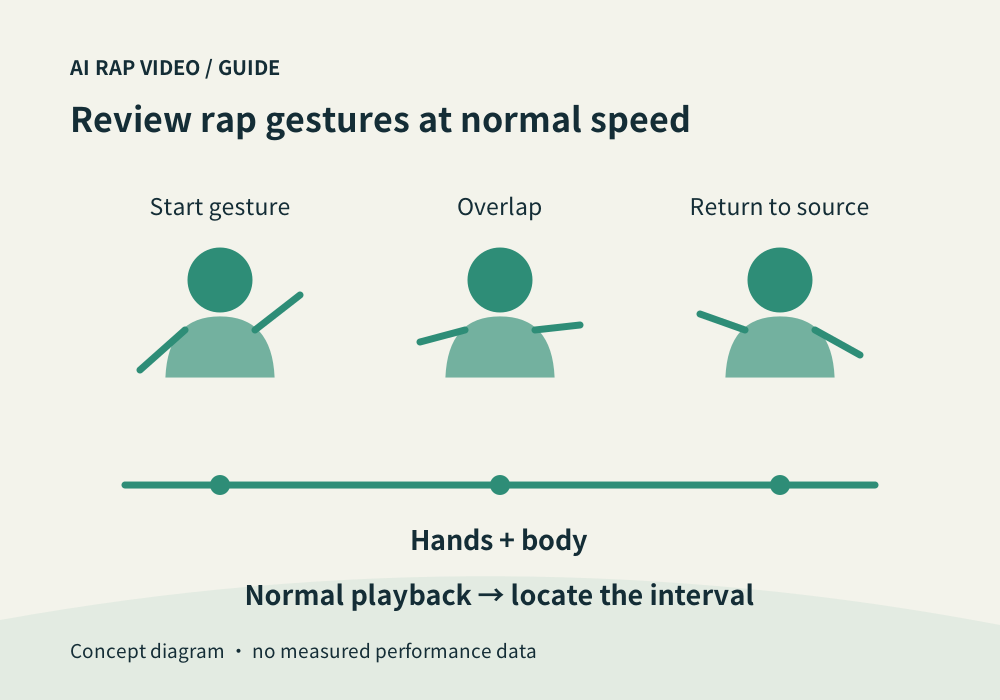
During expressive gestures, check that hands remain connected to the correct arms and that the arms remain attached coherently to the shoulders. Look for extra fingers, merging hands or an object passing through the body.
Inspect overlaps near the face and between participants. When one arm crosses another person, confirm that it returns to the same performer rather than changing ownership after the overlap.
Check rhythm without forcing fixed timing
Listen and watch together. Gestures should make sense with the audible phrases and pauses. A motion repeated at mechanically equal intervals may feel disconnected even if it looks smooth.
The studio’s selected style provides direction, not a guarantee of exact choreography. This guide does not supply a reference-video upload or an editor for individual gesture timestamps.
Separate performer motion from camera motion
A close-up or camera movement can make the whole image shift. Follow stable cues such as the floor, background edges or another stationary object to see whether the subject moved or the viewpoint changed.
A deliberate cut can change scale. Within a continuous shot, sudden body stretching or a face sliding separately from the head needs attention. Note the moment instead of describing the whole clip as simply “unnatural.”
Report a specific movement fault
Record the affected person, action and time range, for example 00:07–00:10. Include the work and chosen settings when contacting support; do not post private resource links publicly.
Check the existing task before retrying. Another generation has its own quote, and switching model, resolution or duration does not guarantee a corrected movement. Preserve the first work for comparison. Contact support
Questions about this task
Watch at normal speed first. Replay or pause a specific transition afterward to locate a fault.