
Check speakers and voice continuity
Listen for clear performer handovers, stable generated voices and unexpected audio changes across the rap video.
The short answer
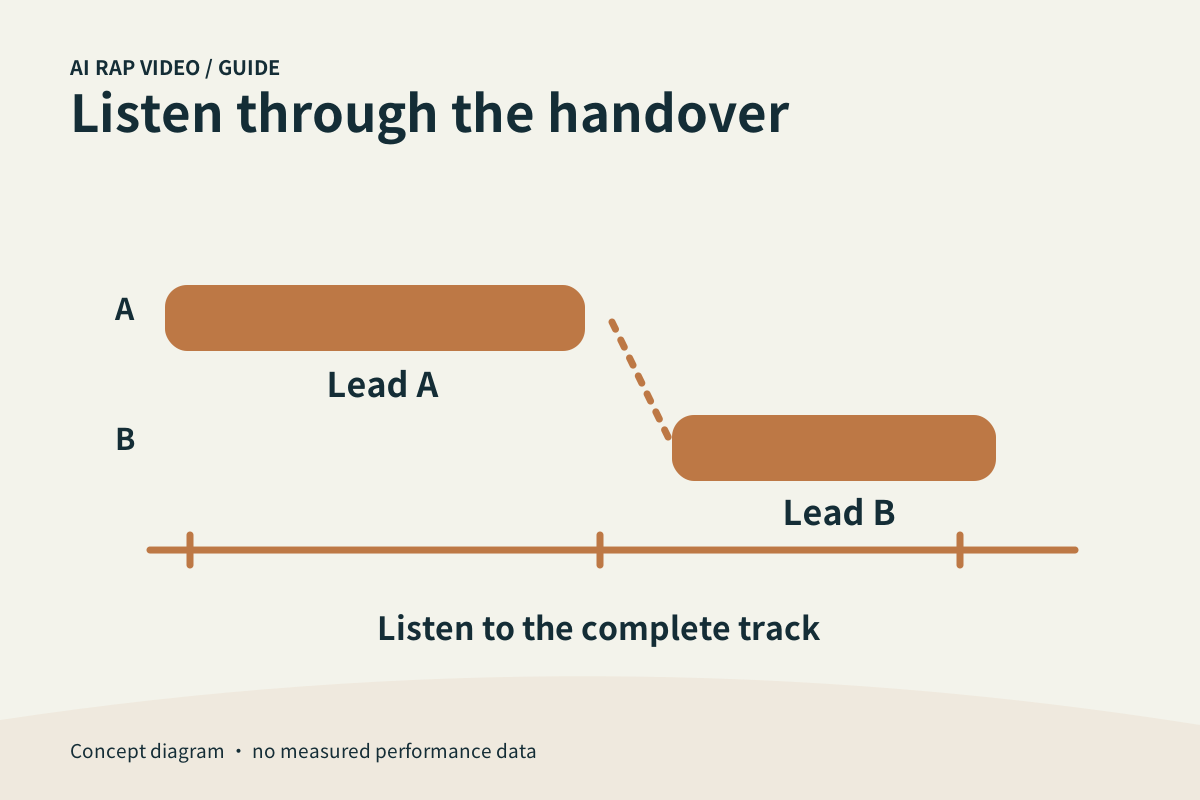
Listen to the entire soundtrack and keep track of who appears to be speaking. A planned duo handover differs from one performer’s voice changing unexpectedly. Portraits do not clone the people’s voices, and an appealing opening does not establish audio quality throughout.
In this guide
At a glance
| Review point | What to check |
|---|---|
| Set the right expectation for generated sound | A portrait contains visual information, not a voice recording. |
| Track each apparent speaker | In a duo, a different voice can make sense at a deliberate handover. |
| Listen through the joins and ending | Use the same device and a comfortable stable volume. |
| Compare sound with the visible delivery | Watch mouth movement and apparent lead performance while listening. |
| Keep the record before deciding to retry | Use Contact with the selected work, settings and affected interval. |
Set the right expectation for generated sound
A portrait contains visual information, not a voice recording. Do not expect it to reproduce the subject’s natural voice or a recording by a famous artist. Check what the selected mode actually says about its generated audio.
If a language or style control is present, treat it as direction. It does not establish exact accent, names, lyric accuracy or a fixed vocal identity without listening to the finished result.
Track each apparent speaker
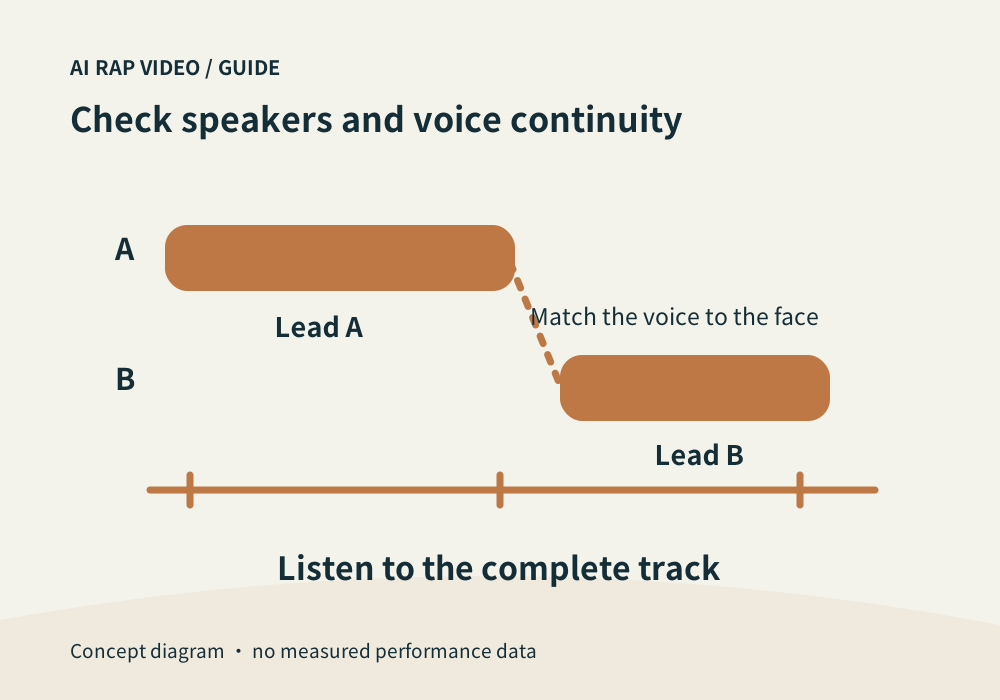
In a duo, a different voice can make sense at a deliberate handover. Listen for whether the change corresponds to the performer on screen rather than treating every new voice as a defect.
Within one performer’s passage, flag a sustained unexpected shift in speaker, accent or recording character. Natural emphasis and pitch variation do not automatically mean the voice has changed identity.
Listen through the joins and ending
Use the same device and a comfortable stable volume. Listen once from beginning to end, then replay the opening, handovers and ending. A muted preview cannot establish pronunciation or voice continuity.
Pay attention after pauses, cuts and overlapping vocals. A background voice should not accidentally take over the lead. Check whether words disappear, a syllable is clipped or the ending cuts off unexpectedly.
Compare sound with the visible delivery
Watch mouth movement and apparent lead performance while listening. A polished backing track does not make a visible mismatch irrelevant; inspect the relationship between the audible phrase and the person presenting it.
Record a time range such as 00:07–00:10 and describe the issue precisely: unexpected speaker, unclear name, abrupt ambience or a disconnected mouth movement. A waveform alone cannot tell you whether pronunciation is right.
Keep the record before deciding to retry
Use Contact with the selected work, settings and affected interval. Do not share a private download link publicly. Support review does not promise a free or automatic redo.
Check the original task if its status is unresolved. A new generation carries its own quote; changing resolution or model does not guarantee an improved voice or more accurate lyrics. Contact support
Questions about this task
No. A photograph does not provide the recording needed to reproduce your natural voice.