
Tell examples apart from your own rap video
Read sample provenance and select your own work before judging task completion, quality or download availability.
The short answer
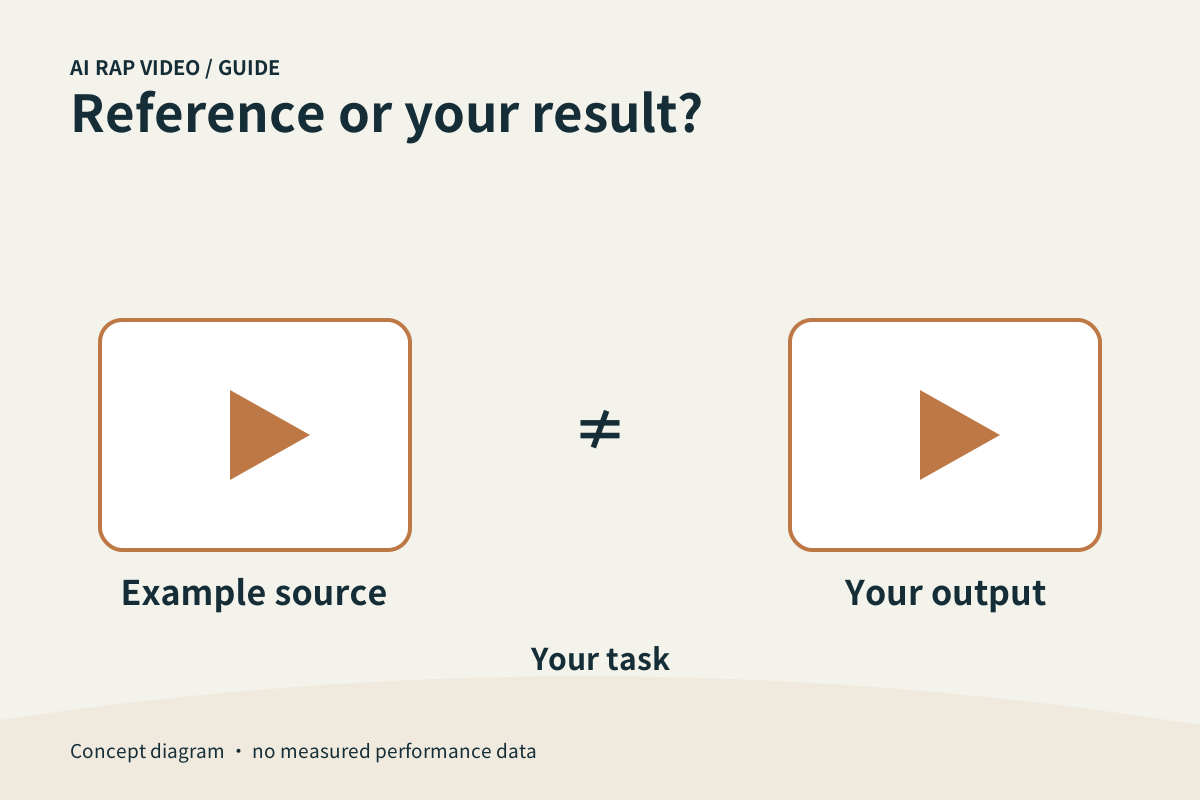
An example explains a possible direction; your own work is the output linked to your task. Read the caption and source, then select your work and review it independently. Similar scenes or hosting on the same site do not make two videos the same result.
In this guide
At a glance
| Review point | What to check |
|---|---|
| Read what each example represents | A caption should tell you what the clip demonstrates and whether it is a site example or an external reference. |
| Use examples to ask better questions | Look for input-to-output questions: how many recognizable subjects appear, what sort of movement is visible and whether the audio matters to the effect. |
| Identify your own work record | Your work should correspond to your submitted task and account history. |
| Review the two kinds of evidence separately | A public example can show what it visibly contains. |
| Share an accurate description | When sharing your own clip, describe the video you actually made. |
Read what each example represents
A caption should tell you what the clip demonstrates and whether it is a site example or an external reference. Watch the actual sample rather than inferring its people or actions from a filename.
A reference can help explain the idea without proving the current generator has reproduced it. Do not treat a known performer, familiar soundtrack or impressive scene as evidence of a partnership or permission.
Use examples to ask better questions
Look for input-to-output questions: how many recognizable subjects appear, what sort of movement is visible and whether the audio matters to the effect. Compare the sample’s actual content with the task you want.
Separate visual preference from available controls. Liking a camera move in a sample does not establish a matching toggle in the studio, and an example’s exact duration may not match every configuration.
Identify your own work record
Your work should correspond to your submitted task and account history. Select that record rather than a carousel example before deciding whether generation is finished.
If your output is processing or unavailable, a sample may still play normally. The player working for an example does not show that your private output is ready or that its download has completed.
Review the two kinds of evidence separately
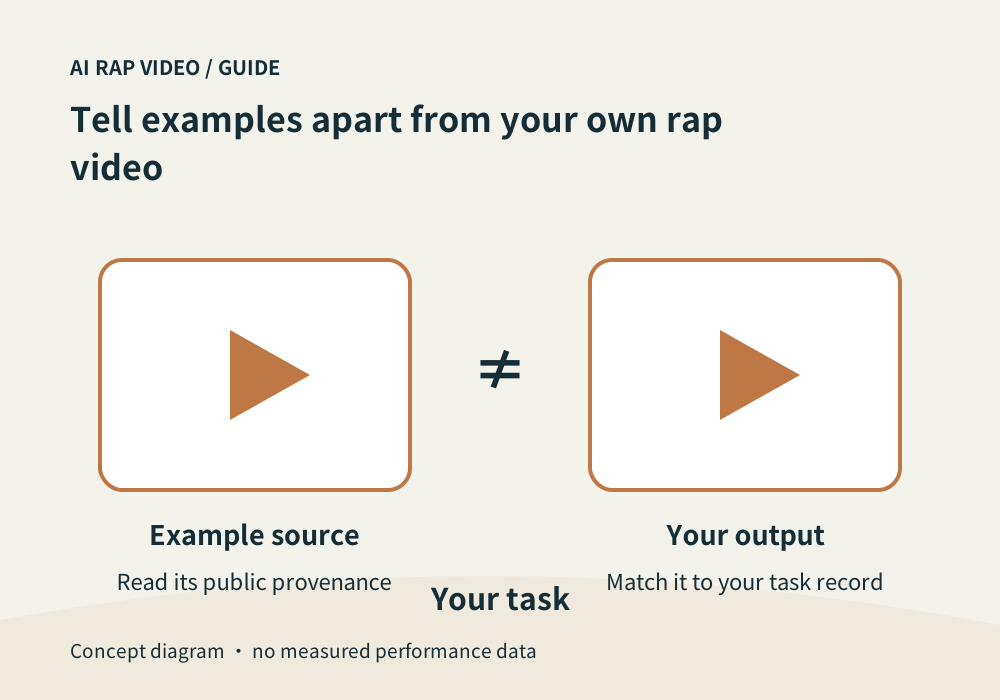
A public example can show what it visibly contains. Your result must be checked against your portraits, selected settings and intended topic. Do not use one good sample to approve an unrelated personal video.
For a duo, inspect each identity and voice handover in your work. Match the downloaded file to the same selected record. A shared style or background does not establish equal quality.
Share an accurate description
When sharing your own clip, describe the video you actually made. Do not present an external reference or someone else’s sample as a result generated from your photographs.
When asking support about your task, supply its identifier and affected interval, not just a link to a sample you wanted. A comparison can explain the concern, but it cannot replace the work record. Contact support
Questions about this task
No. Check your own work record and playable output separately.