
Keep the full rap video frame visible
Separate output aspect ratio, preview fit and social-media cropping so performers stay visible.
The short answer
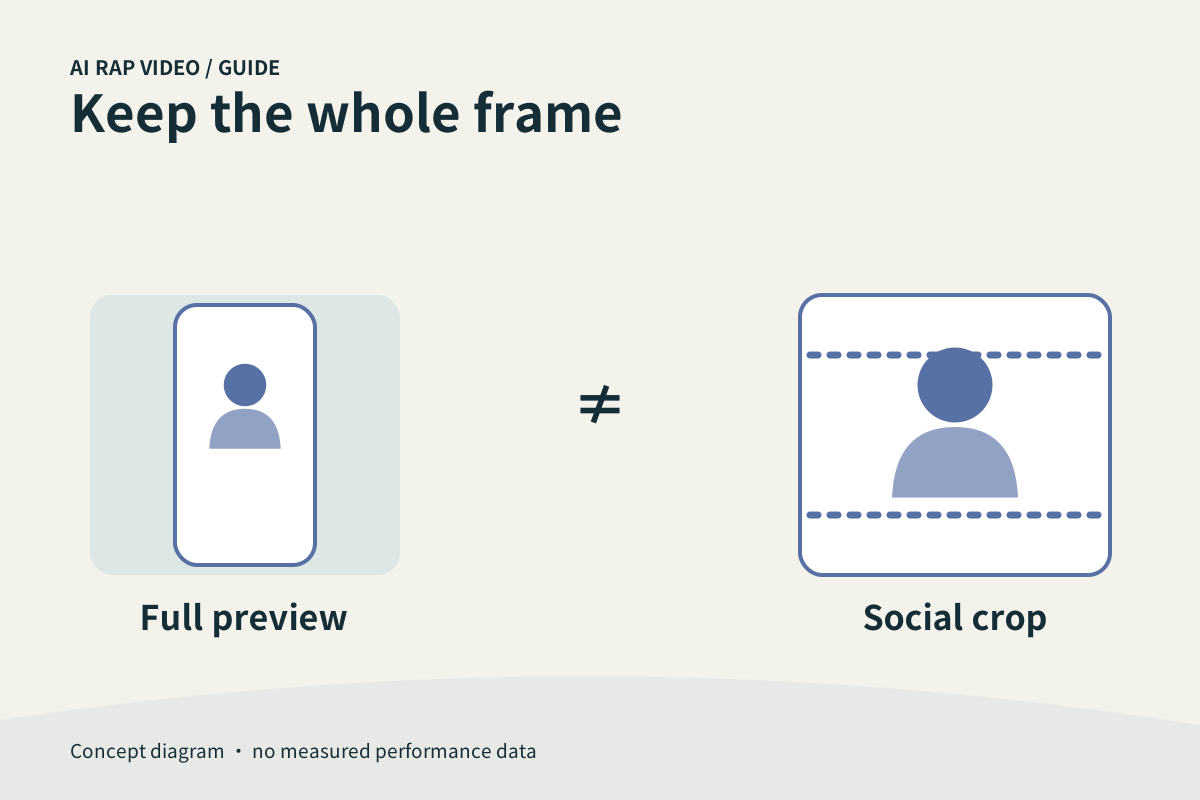
The video’s aspect ratio and the shape of its preview container are separate. Start with the output format offered by the selected mode, review the complete frame, then make any platform-specific crop from a saved copy. Filling a card is not proof that the full video is visible.
In this guide
At a glance
| Review point | What to check |
|---|---|
| Check the output format before generating | If the selected model offers an aspect-ratio control, choose the intended format before reviewing the final quote. |
| Understand fit versus fill | A preview that contains the full frame may show space around it when the container has another shape. |
| Use the whole frame for quality review | Open the main player rather than judging only a compact card. |
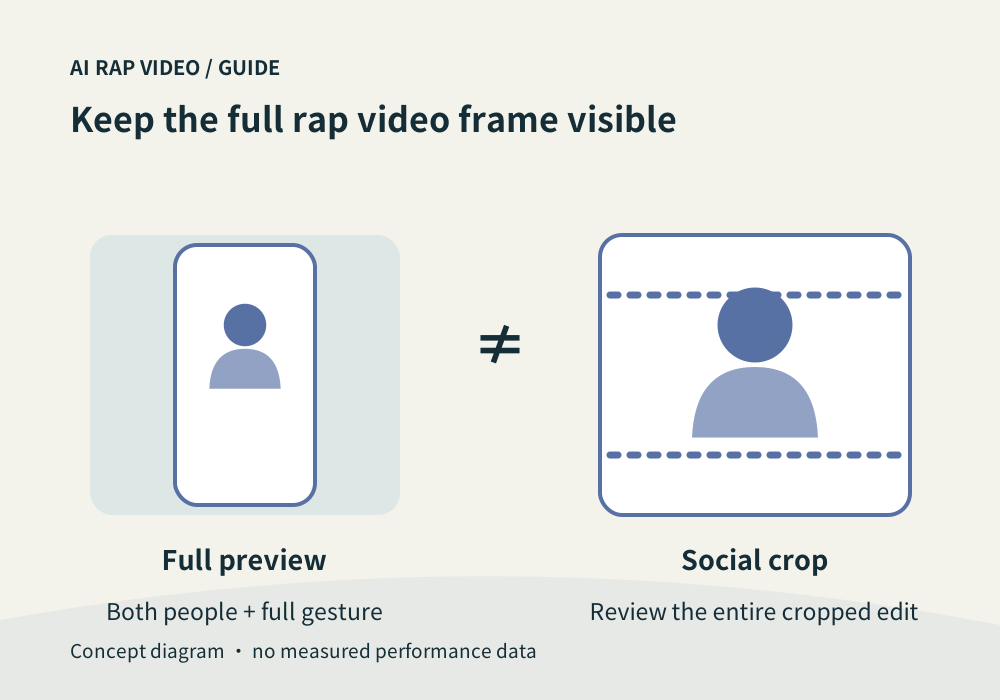
| Crop a copy for the destination | When editing for another app, preserve the original download and create a copy. |
| Check the final file on the actual screen | Play the saved or edited version on the phone you will use to share it. |
Check the output format before generating
If the selected model offers an aspect-ratio control, choose the intended format before reviewing the final quote. A portrait format suits a vertical presentation; choose based on the destination and what must remain visible.
Do not assume the shape of a page thumbnail changes the generated file. A wide card can show a portrait video, and a tall card can crop a wide one. The file dimensions establish the actual frame.
Understand fit versus fill
A preview that contains the full frame may show space around it when the container has another shape. Filling that container can instead crop the edges. Neither display choice changes the original file by itself.
For a rap duo, inspect both heads, gestures and the space between the performers. A crop that centers one face can remove the other person even when the selected cover looks attractive.
Use the whole frame for quality review
Open the main player rather than judging only a compact card. Watch the opening and largest gestures to see whether hands, heads or props leave the frame. Distinguish intended camera movement from a display crop.
If you suspect the page is cropping the player, compare it with the downloaded file. Keep the same moment in view. Do not regenerate merely because a preview container hides something that is present in the original.
Crop a copy for the destination
When editing for another app, preserve the original download and create a copy. Check the entire timeline after cropping, since a subject who fits the opening may move toward an edge later.
Leave room for any captions you add in the external editor. Keep names, faces and essential gestures away from a crop boundary. A successful export still needs one full playback before posting.
Check the final file on the actual screen
Play the saved or edited version on the phone you will use to share it. Confirm orientation, both performers and sound. An app’s upload preview may apply another fit or crop after you select the file.
Describe a display issue with the work, device and where the crop occurs. Include whether the downloaded original shows the missing area; this helps separate delivery from presentation. Contact support
Questions about this task
No. They can indicate that a differently shaped container is showing the complete frame.