
Photo rap performance or a full music video?
Choose between animating familiar faces, controlling a rap song and building visuals for an existing track before preparing your inputs.
The short answer
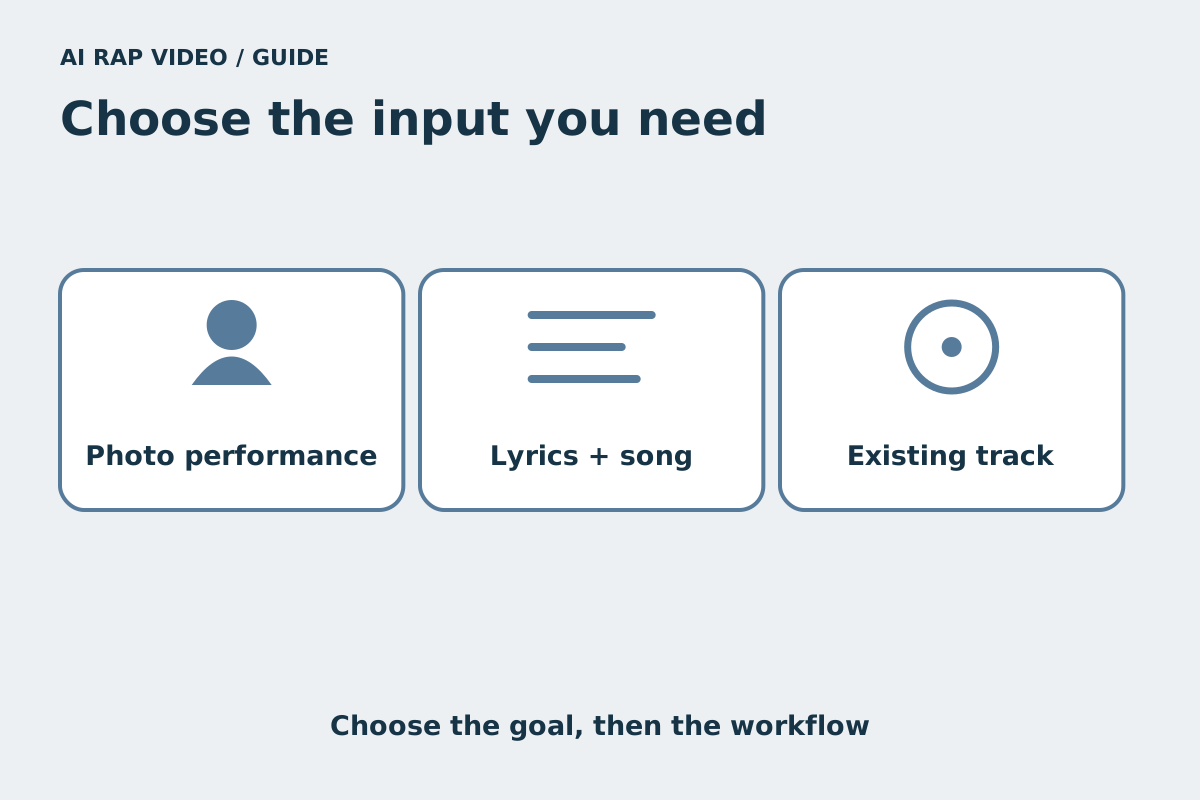
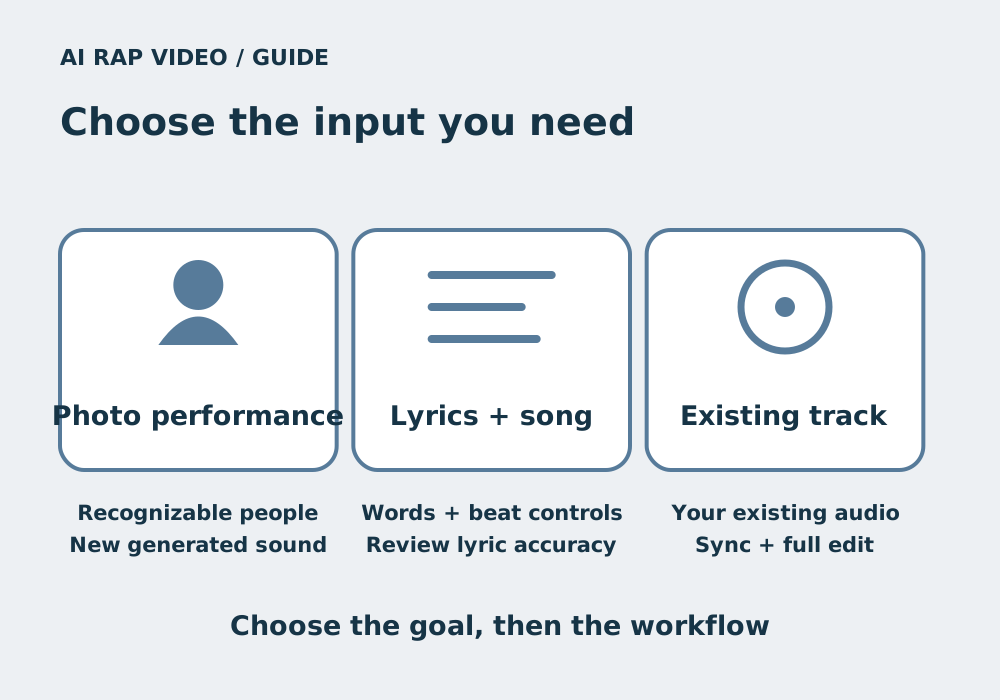
Choose by the result you need. A photo-led rap performance puts familiar people into a short scene with generated sound. A lyrics-first song workflow focuses on the words and music. Visuals for your own track need an audio-compatible production and editing workflow; these are different tasks.
In this guide
At a glance
| Review point | What to check |
|---|---|
| Start with the part you must control | Ask which element cannot change: the recognizable people, the exact words, the soundtrack or the sequence of scenes. |
| Use a photo performance for a personal moment | AI Rap Video’s studio starts with two portraits or one group photo, a stage and an optional topic. |
| Choose a song workflow when words come first | Some services expose a lyric editor, beat selection or a song-generation step before making a performance clip. |
| Plan a separate workflow for your existing track | When you already have a finished song, look for explicit support for your audio input, intended length and synchronization. |
| Check assets and try a bounded segment | Confirm that you have permission to use each portrait, reference clip, track and other asset for the intended audience. |
Start with the part you must control
Ask which element cannot change: the recognizable people, the exact words, the soundtrack or the sequence of scenes. A birthday duet and a music release may both be called an AI rap video, while requiring very different inputs.
If the joke depends on two familiar faces sharing a moment, a short photo performance may fit. If every syllable must match an existing recording, prioritize tools that actually accept that audio and support synchronization.
Use a photo performance for a personal moment
AI Rap Video’s studio starts with two portraits or one group photo, a stage and an optional topic. Model and output choices determine the current draft and quote. It generates native sound rather than accepting an uploaded song.
This is useful for a short greeting, a friendship scene or a playful introduction. It does not offer exact lyric entry, audio upload or voice cloning. A topic guides the result; it does not lock a script or reproduce the people’s real voices.
Choose a song workflow when words come first
Some services expose a lyric editor, beat selection or a song-generation step before making a performance clip. Those controls solve a different problem from uploading portraits and giving a short topic. Read the actual interface before buying credits.
RapVideoGenerator’s public video form offers a topic or supplied lyrics, beat choices and vocal controls. Its page also separates making a full song from using a favorite part in a video. These are observed controls, not our test of its output or a feature of this studio. RapVideoGenerator official page
Plan a separate workflow for your existing track
When you already have a finished song, look for explicit support for your audio input, intended length and synchronization. A multi-scene music video also needs planning, transitions and an edit that follows the complete track. A single short clip does not establish that pipeline.
Media.io’s official guide distinguishes generated performance, reference-driven motion and visuals for an existing song. It qualifies audio and lip-sync by model and mode. Check the chosen tool’s current inputs; writing lyrics in a visual prompt alone does not prove that the words will be rapped. Media.io official page
Check assets and try a bounded segment
Confirm that you have permission to use each portrait, reference clip, track and other asset for the intended audience. A generated picture does not establish rights to an existing recording, and a public example does not authorize copying it into your project.
Before committing to a larger production, choose a supported short segment and review the complete result: identities, words, timing, sound and downloaded file. Use the current quote rather than comparing unrelated credit units across products. If the required input is missing from a tool, choose another workflow rather than assuming a hidden control exists. Contact support
Questions about this task
No. The current photo-led studio generates native sound and does not offer an audio-upload input.