3,000 credits $499 · Save 76% · Example: $1.33/videoExample: Fast · 480p · 12s · 8 creditsView pricing
Toy Car to Real Car VIDEO EFFECT

Toy Car to Real Car

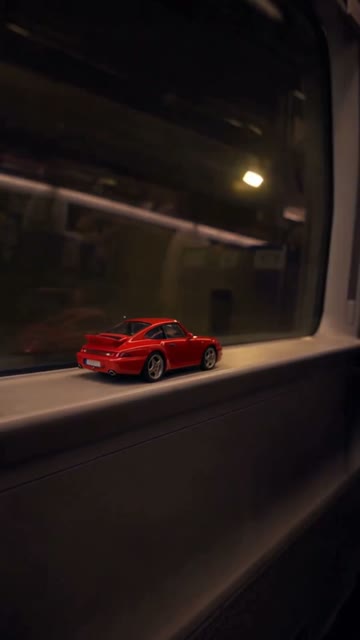
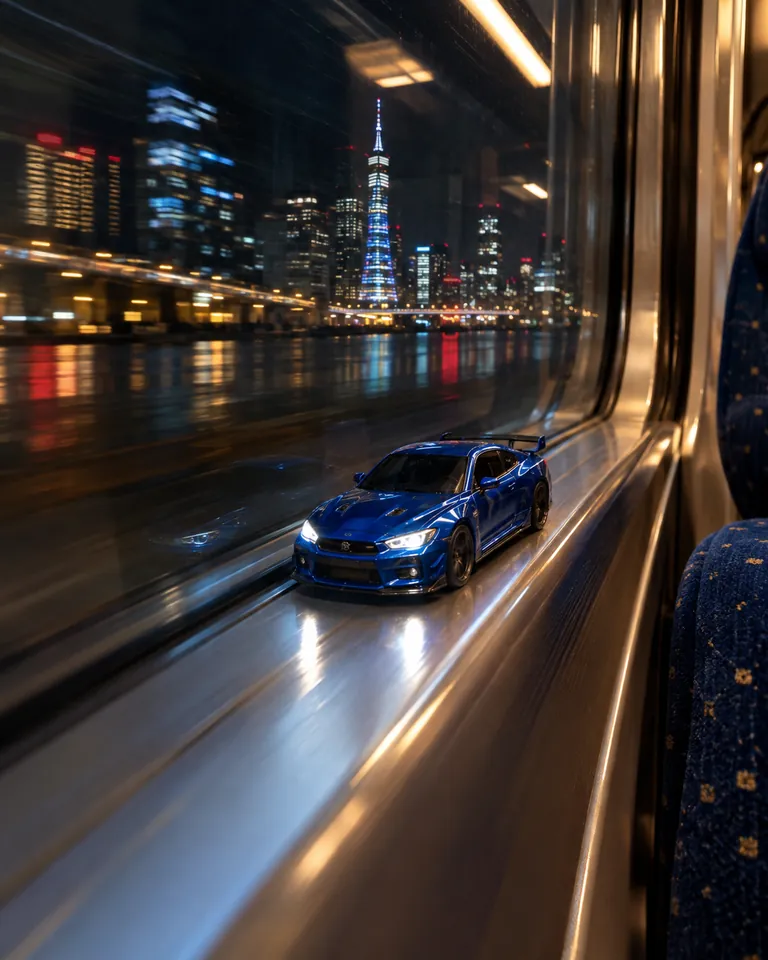
This transition starts with a miniature car framed against a moving train window, passes through the darkness of a tunnel, and reveals a real car driving at night.

Explore the Toy Car to Real Car setup
Toy Car to Real Car

1 Choose your photos

Use a clear three-quarter photo showing the complete car.

2 Your scene

Train window

A miniature car becomes a full-size car after a dark tunnel transition.

3 Choose output quality

Output quality
Seedance 2.0 Fast · Length set by effect · 9:16 Loading credits…

Higher quality may use more credits. Check the quote before creating.

Checking the credit price…

  • No app
  • Price shown before you create
  • Confirmed failures return reserved credits

Use only photos you have permission to use. Terms of Service

EXPLORE VIDEO IDEAS

More effects

Choose an effect to read its guide. Hover a reference sample to play it muted.

The short answer

A model car by a train window becomes a full-size car on a night road.

What's new

  • — Updated the scene, photo guidance and frequently asked questions for Toy Car to Real Car.

Ideas for Toy Car to Real Car

Explore the scene, prepare the right input and check the result before sharing.
  • Scene still

    Explore the scene

    A model car by a train window becomes a full-size car on a night road.
  • Scene still

    Prepare the input

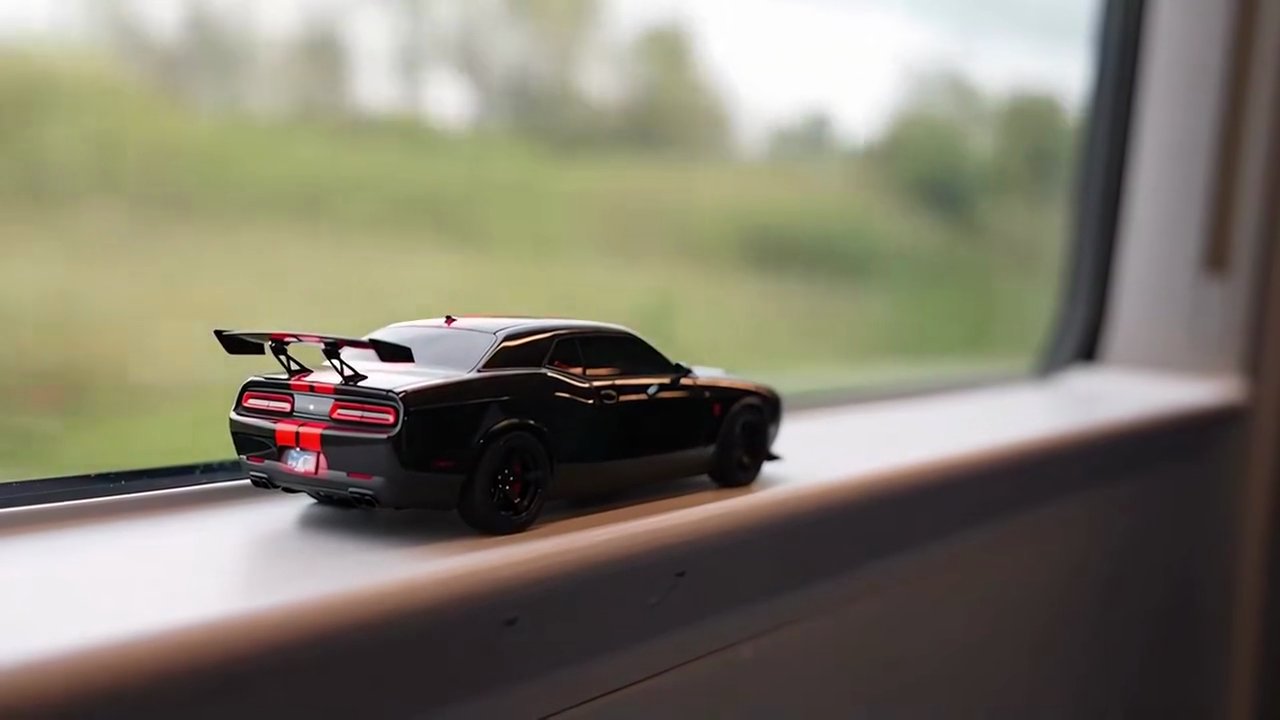
    Choose a clear three-quarter photo showing the whole car, including its wheels and body.
  • Scene still

    Follow the sequence

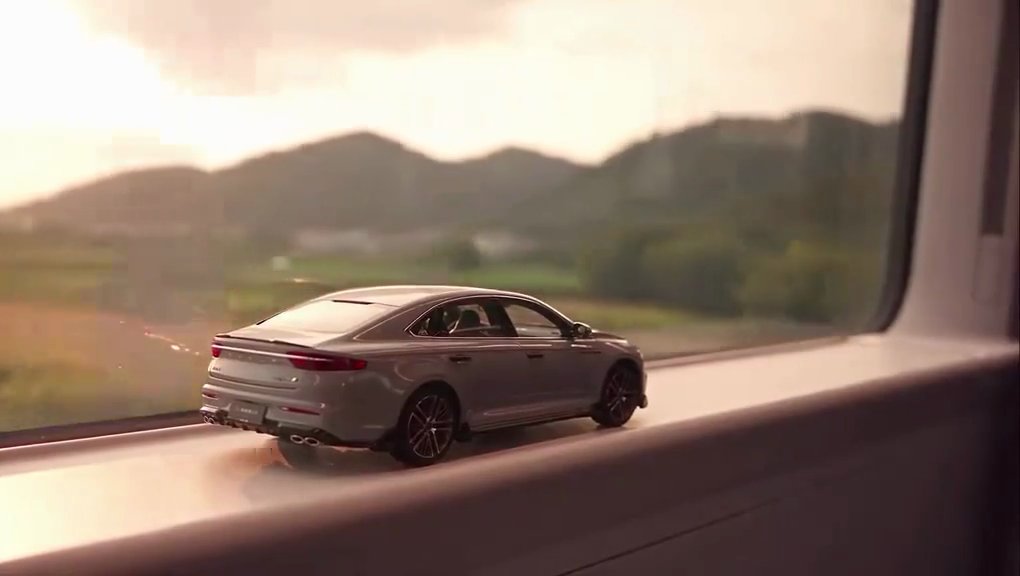
    Match the model’s silhouette and color to the revealed vehicle, using the tunnel blackout as the visual bridge.
  • Scene still

    Choose the frame

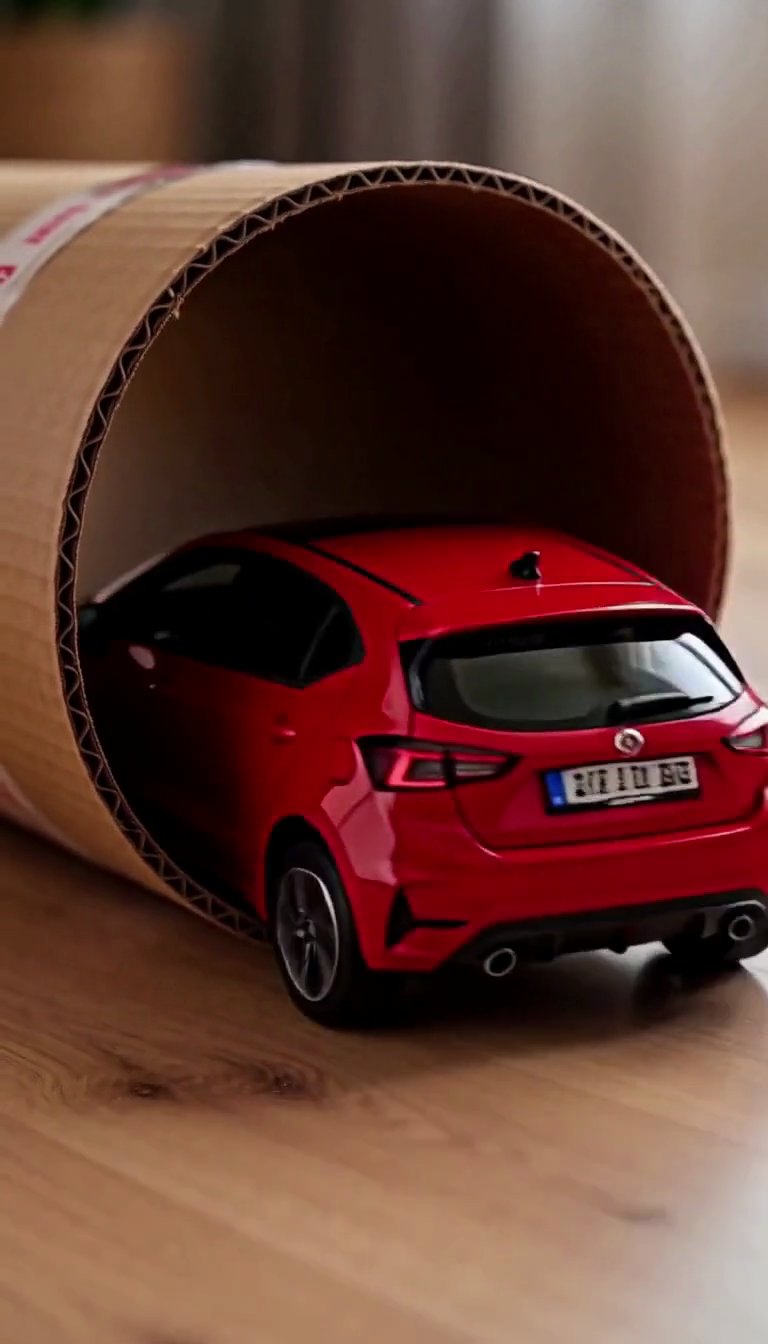
    Keep the subject and the main action visible in the intended frame.
  • Illustration

    Review before sharing

    Check the complete picture, timing and any sound before sharing.

The Toy Car to Real Car moment

Match the model’s silhouette and color to the revealed vehicle, using the tunnel blackout as the visual bridge. Water-splash and birthday-cake reveals are separate variations.

Example

Plan your Toy Car to Real Car video in four steps

  1. Review the reference and the intended scene.
  2. Choose the input mode and a clear, permitted photo.
  3. Review the settings and credit quote before submitting.
  4. Review the full picture and any sound before sharing a finished video.

What gives the effect its character

  • A model car by a train window becomes a full-size car on a night road.

Why explore it here

  • See the scene and photo guidance together.
  • Compare the scene, movement and photo requirements.
  • Browse other effect ideas from the same collection.

Prepare a better photo and review the result

  • Choose a clear three-quarter photo showing the whole car, including its wheels and body.
  • Check the full frame and movements for continuity.
  • Review any audio and sharing rights before publishing.

Helpful next steps

Read our photo preparation guide or explore more effects.

FAQ

Questions about Toy Car to Real Car

What happens in Toy Car to Real Car?

A model car by a train window becomes a full-size car on a night road.

How does the toy car become a real car?

Match the model’s silhouette and color to the revealed vehicle, using the tunnel blackout as the visual bridge. Water-splash and birthday-cake reveals are separate variations.

What photos work for Toy Car to Real Car?

Choose a clear three-quarter photo showing the whole car, including its wheels and body.

How many photos does each setup need?

The input layout lists Car: 1 photo. Match each photo to its role in the scene.

Will the generated car look exactly like my photo?

The car photo guides the result, but its details may change. Review the full video before sharing.

Does the video always match the example?

No. Identity, motion, framing and timing may vary across tools and results. Compare the complete sequence, not just a still frame.

Is the original sound included?

A sound heard in an example is not guaranteed to appear in a generated video. Check the available audio and use sound you have permission to share.

Can I share a finished video?

Review the entire video and audio, obtain permission for the photos and likenesses used, and check the sharing rights for footage and music.

Explore Toy Car to Real Car

Prepare your idea and review the effect guide.