
The short answer
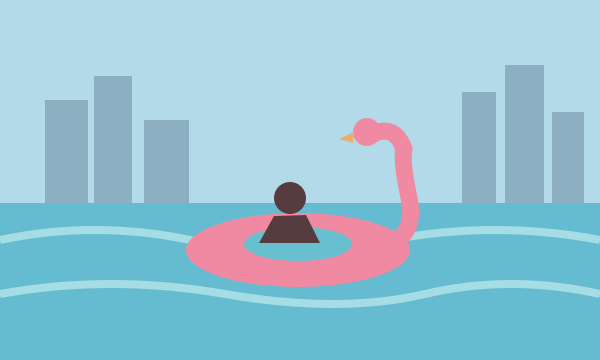
A rooftop pool, a pink float and a playful push.
What's new
- — Updated the scene, photo guidance and frequently asked questions for Flamingo Float AI Video.
Ideas for Flamingo Float AI Video
Explore the scene, prepare the right input and check the result before sharing.
 Illustration
Explore the scene
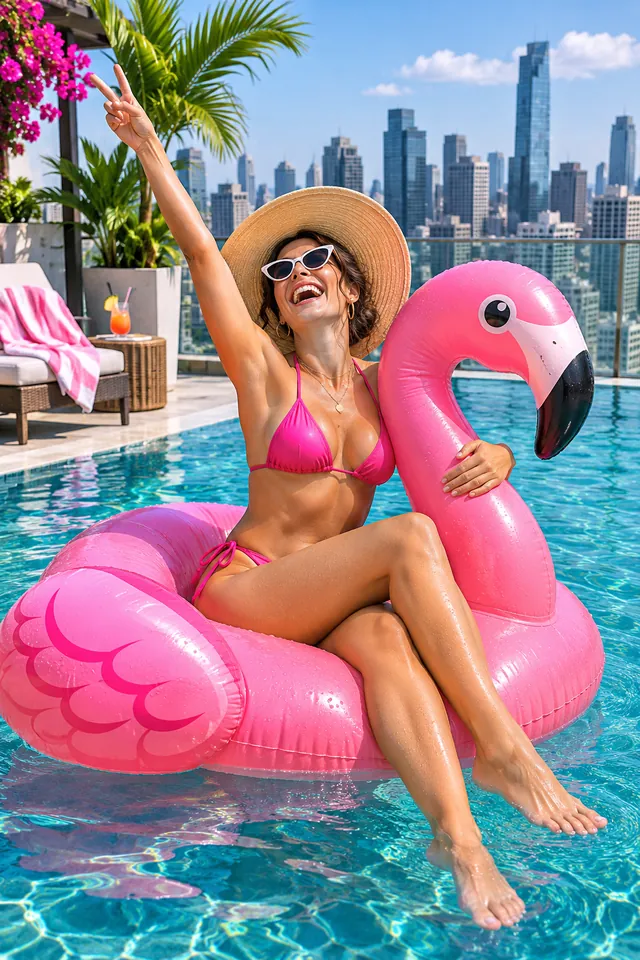
A rooftop pool, a pink float and a playful push.
 Illustration
Prepare the input
Start with a clear photo of a consenting adult.
 Illustration
Follow the sequence
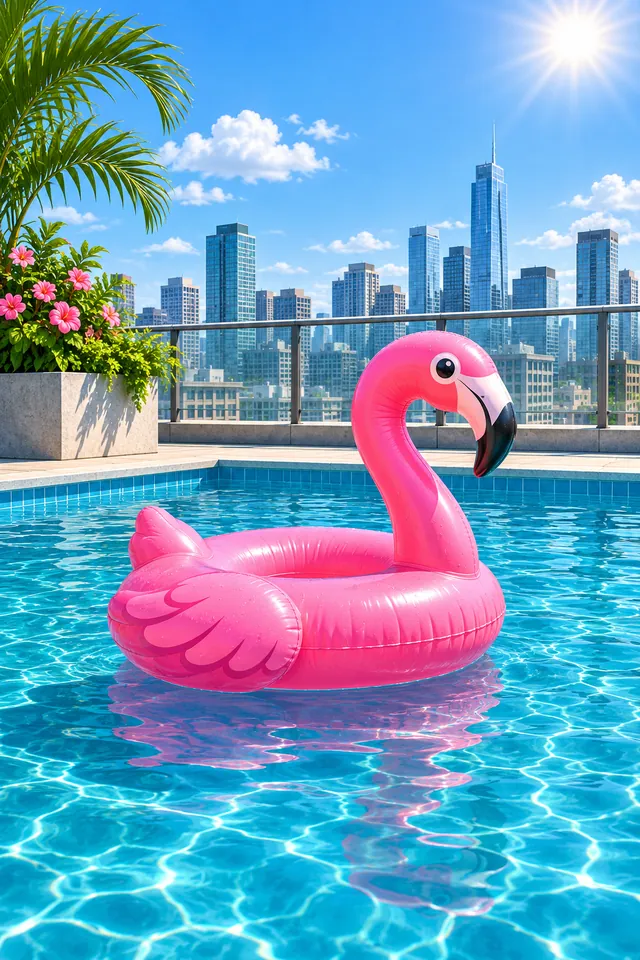
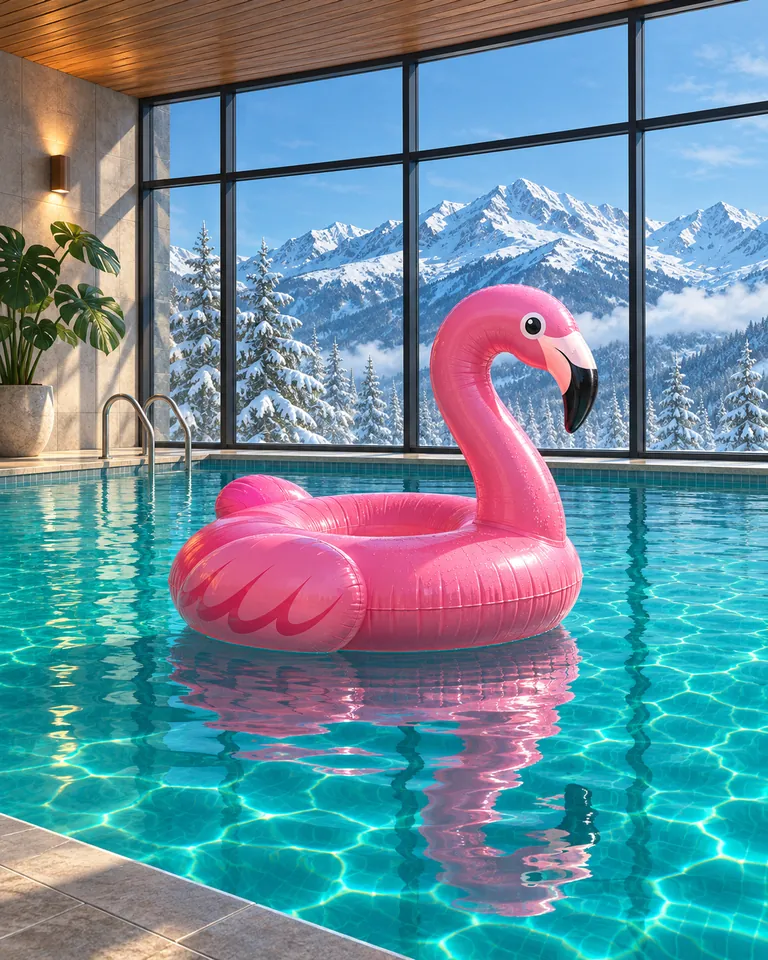
A pink bird-shaped float, a pool close to a rooftop edge and a wide city view establish the setting.
 Illustration
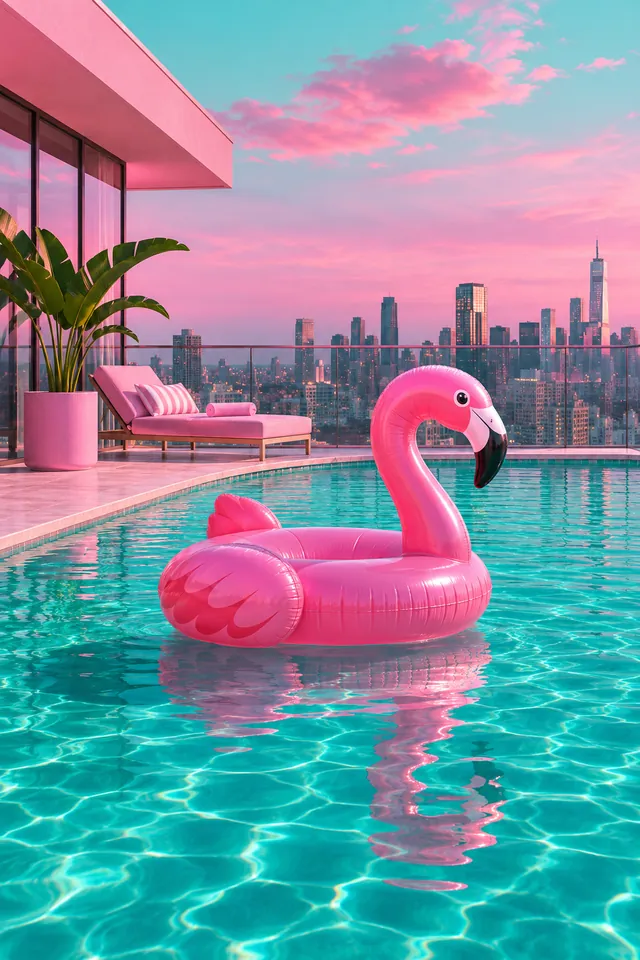
Choose the frame
Keep the subject and the main action visible in the intended frame.
 Illustration
Review before sharing
Check the complete picture, timing and any sound before sharing.
The Flamingo Float AI Video moment
A pink bird-shaped float, a pool close to a rooftop edge and a wide city view establish the setting. For the push-back variation, the hand and the float need a visible, physically plausible interaction; simply changing a background does not reproduce that movement.
Plan your Flamingo Float AI Video video in four steps
- Review the reference and the intended scene.
- Choose the input mode and a clear, permitted photo.
- Review the settings and credit quote before submitting.
- Review the full picture and any sound before sharing a finished video.
What gives the effect its character
- A rooftop pool, a pink float and a playful push.
- Some examples describe different city settings. Treat those as variations rather than guarantees of any particular place, weather, clothing or camera path. Review the entire clip and use only audio you have permission to share.
- Use this guide to plan the portrait, pink float and rooftop-pool framing. Check that the hand, float and water motion form one coherent interaction.
Why explore it here
- See the scene and photo guidance together.
- Compare the scene, movement and photo requirements.
- Browse other effect ideas from the same collection.
Prepare a better photo and review the result
- Start with a clear photo of a consenting adult. Check that the subject remains recognisable as the camera moves, that the float maintains its shape and that the hand does not appear attached to the wrong person.
- Check the full frame and movements for continuity.
- Review any audio and sharing rights before publishing.
Helpful next steps
Read our photo preparation guide or explore more effects.