
The short answer
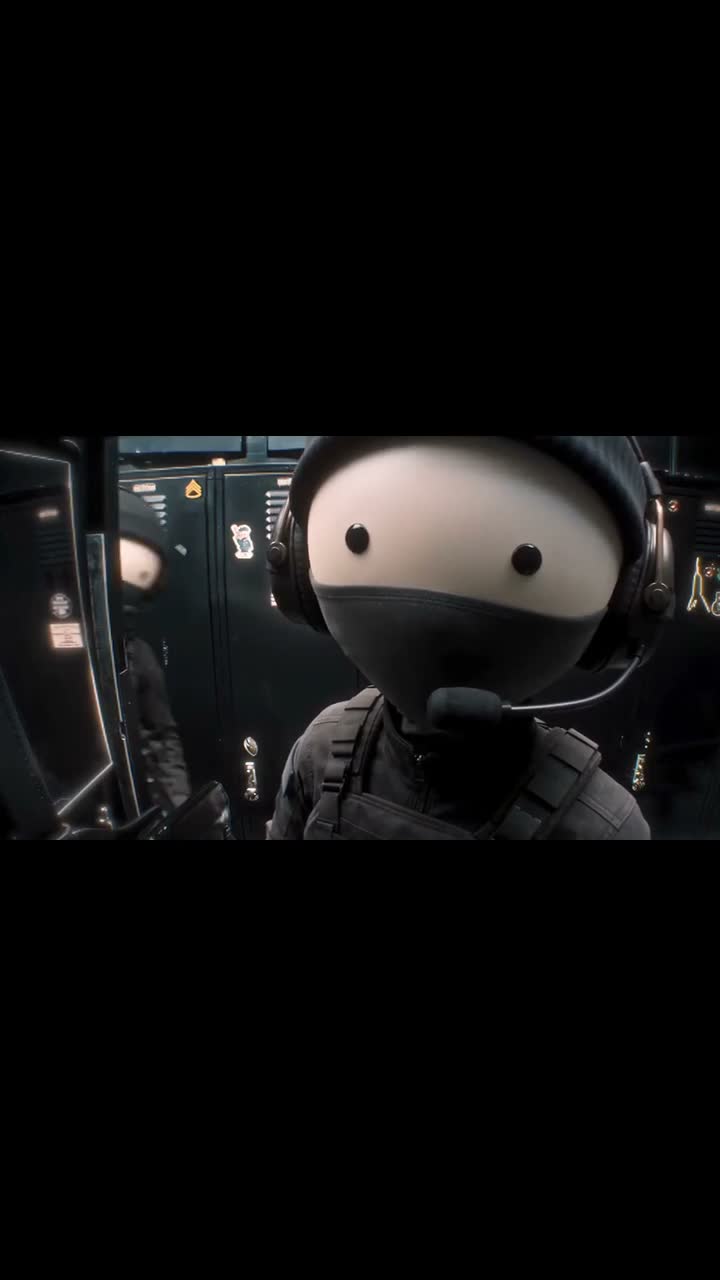
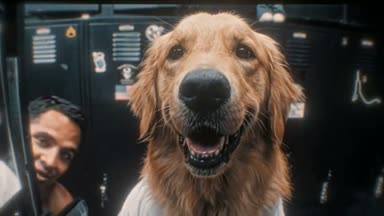
A handheld locker-room scene with a subject presenting props.
What's new
- — Updated the scene, photo guidance and frequently asked questions for End of Watch Locker.
Ideas for End of Watch Locker
Explore the scene, prepare the right input and check the result before sharing.
 Scene still
Explore the scene
A handheld locker-room scene with a subject presenting props.
 Scene still
Prepare the input
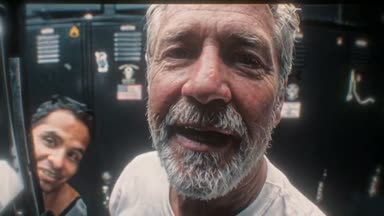
Start with one clear, front-facing photo for the lead.
 Scene still
Follow the sequence
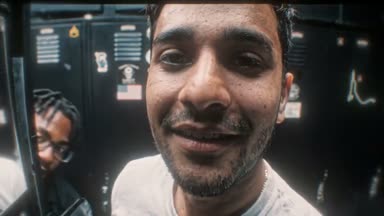
The scene takes place in a locker room, with a close handheld camera and a timed sequence of objects shown to the viewer.
 Scene still
Choose the frame
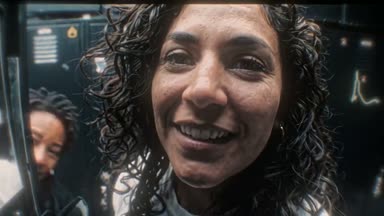
Keep the subject and the main action visible in the intended frame.
 Scene still
Review before sharing
Check the complete picture, timing and any sound before sharing.
The End of Watch Locker moment
The scene takes place in a locker room, with a close handheld camera and a timed sequence of objects shown to the viewer.
Plan your End of Watch Locker video in four steps
- Review the reference and the intended scene.
- Choose the input mode and a clear, permitted photo.
- Review the settings and credit quote before submitting.
- Review the full picture and any sound before sharing a finished video.
What gives the effect its character
- A handheld locker-room scene with a subject presenting props.
- Watch the reference to understand the scene, role layout and timing before preparing your photos.
Why explore it here
- See the scene and photo guidance together.
- Compare the scene, movement and photo requirements.
- Browse other effect ideas from the same collection.
Prepare a better photo and review the result
- Start with one clear, front-facing photo for the lead. A two-person variation needs a second distinct photo; a pet variation uses one clear photo of the animal.
- Check the full frame and movements for continuity.
- Review any audio and sharing rights before publishing.
Helpful next steps
Read our photo preparation guide or explore more effects.