
The short answer
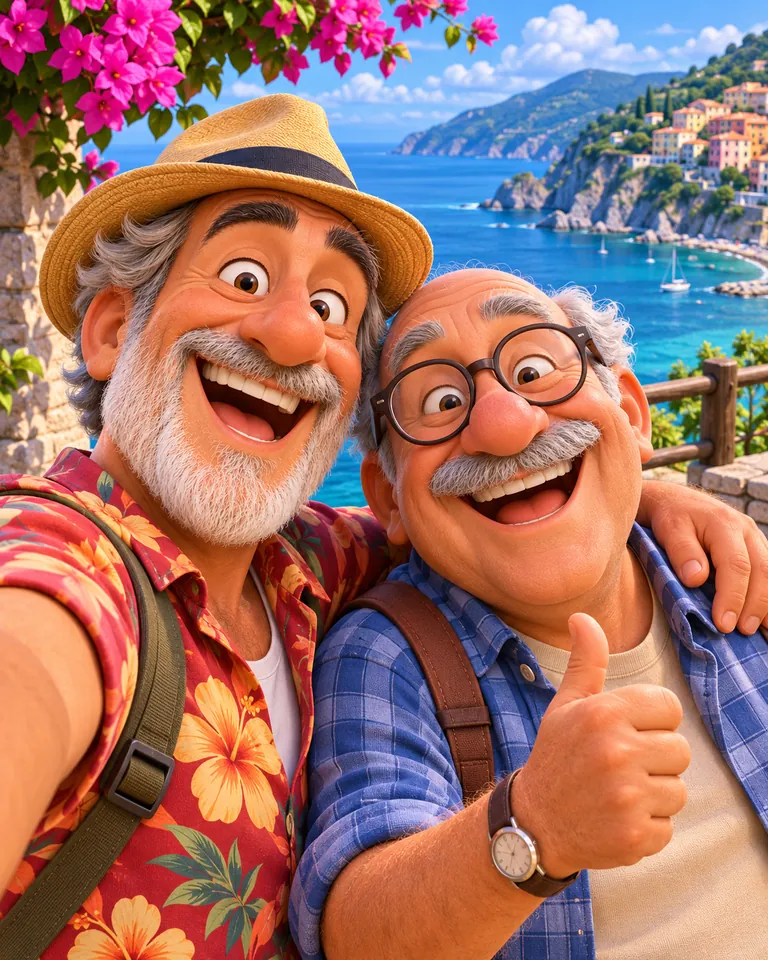
A person, couple or pet becomes a gently animated 3D caricature.
What's new
- — Updated the scene, photo guidance and frequently asked questions for AI Caricature.
Ideas for AI Caricature
Explore the scene, prepare the right input and check the result before sharing.
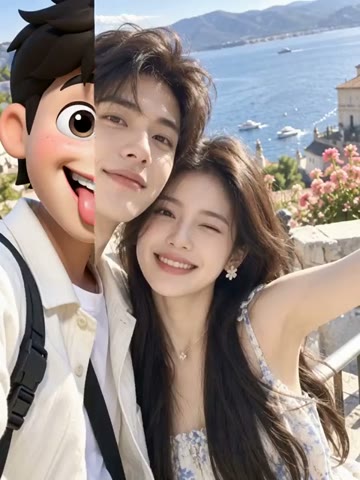 Scene still
Explore the scene
A person, couple or pet becomes a gently animated 3D caricature.
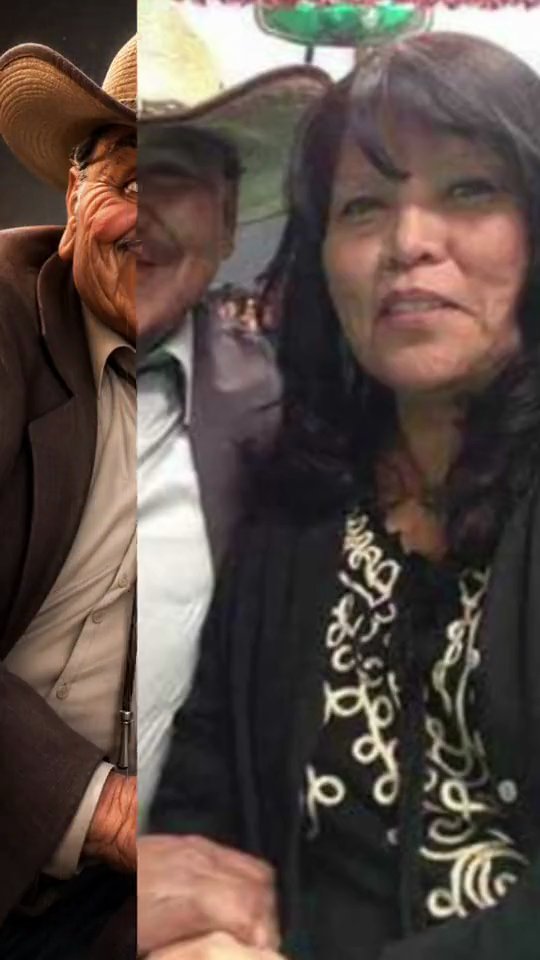 Scene still
Prepare the input
Choose a clear photo of a person, pet or couple.
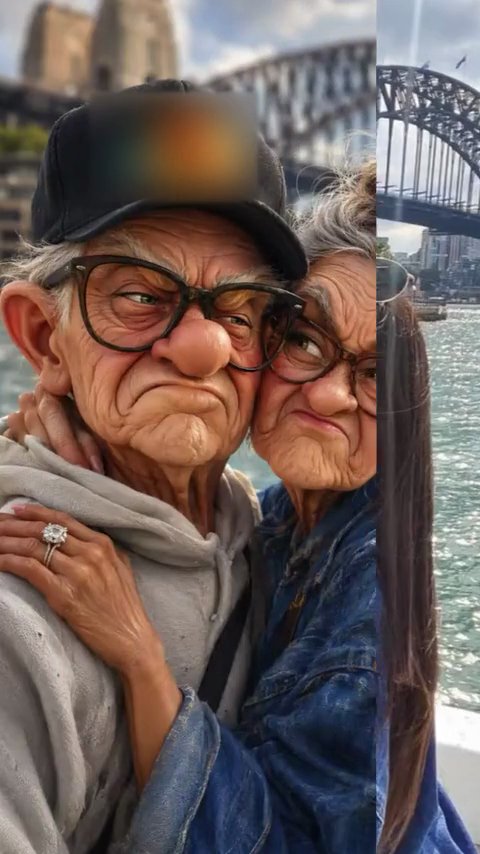 Scene still
Follow the sequence
The exaggerated proportions are intentional; look for the face, hair and clothing cues that keep the subject recognizable.
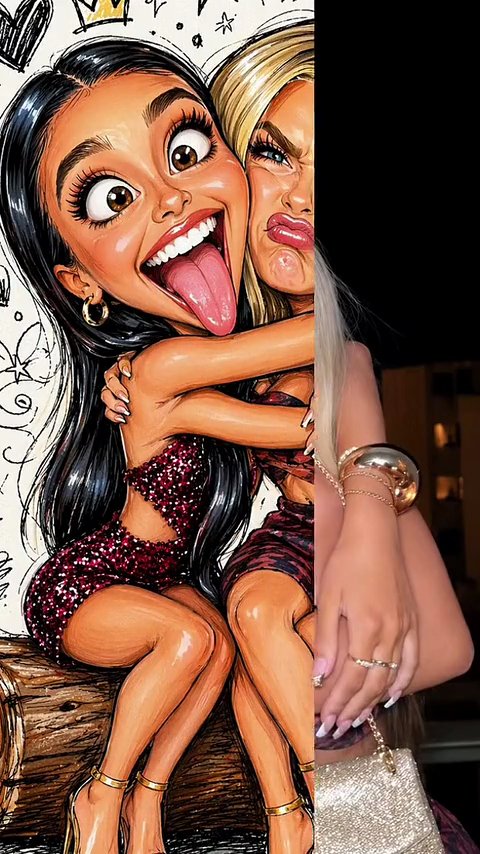 Scene still
Choose the frame
Keep the subject and the main action visible in the intended frame.
 Illustration
Review before sharing
Check the complete picture, timing and any sound before sharing.
The AI Caricature moment
The exaggerated proportions are intentional; look for the face, hair and clothing cues that keep the subject recognizable. An upscaled output is not automatically a native high-resolution generation.
Plan your AI Caricature video in four steps
- Review the reference and the intended scene.
- Choose the input mode and a clear, permitted photo.
- Review the settings and credit quote before submitting.
- Review the full picture and any sound before sharing a finished video.
What gives the effect its character
- A person, couple or pet becomes a gently animated 3D caricature.
Why explore it here
- See the scene and photo guidance together.
- Compare the scene, movement and photo requirements.
- Browse other effect ideas from the same collection.
Prepare a better photo and review the result
- Choose a clear photo of a person, pet or couple. For a couple, choose one photo that shows both people.
- Check the full frame and movements for continuity.
- Review any audio and sharing rights before publishing.
Helpful next steps
Read our photo preparation guide or explore more effects.