
AI Airbag Prank Video From a Car Selfie
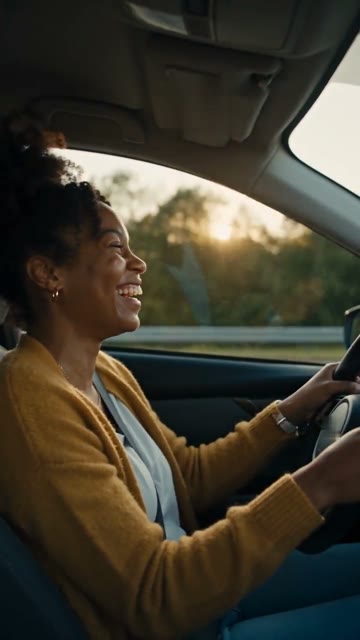 Car Crash Prank
1 Choose your photos
Choose a clear photo, ideally seated inside a stationary vehicle.
2 Your scene
Car interior prankA seated subject reacts to a staged car-interior accident effect.
3 Choose output quality
Higher quality may use more credits. Check the quote before creating.
Checking the credit price…
- No app
- Price shown before you create
- Confirmed failures return reserved credits
What this effect is designed to show
A staged bump, airbag puff and safe reaction share one fixed car selfie angle.
How to use this effect
- Add a clear, authorized image to each labeled slot. Each role uses the image in its own slot. Use one clear face photo for the staged car selfie. Before sharing, check any third-party image, likeness or audio rights. Review image and audio rights
- Starting settings · Target length 10s · 9:16 · 720p. Sign in and check the credit quote before submitting. If the selected settings are unavailable, keep your draft until a quote is available. A confirmed generation failure returns reserved credits. If submission status is unknown, keep your draft while the existing task is checked.
- Check that the angle holds through the simulated airbag puff and the final reaction. This recipe requests generated audio. Listen before sharing. Use this effect
Questions about this effect
How many images do I need?
Upload one image for the role shown in the tool. Your photo. Use one clear face photo for the staged car selfie.
What should I check in the result?
A staged bump, airbag puff and safe reaction share one fixed car selfie angle. Check that the angle holds through the simulated airbag puff and the final reaction. This recipe requests generated audio. Listen before sharing. Watch the whole clip to check the subject, motion and ending. Generated detail and timing can vary by image and model.